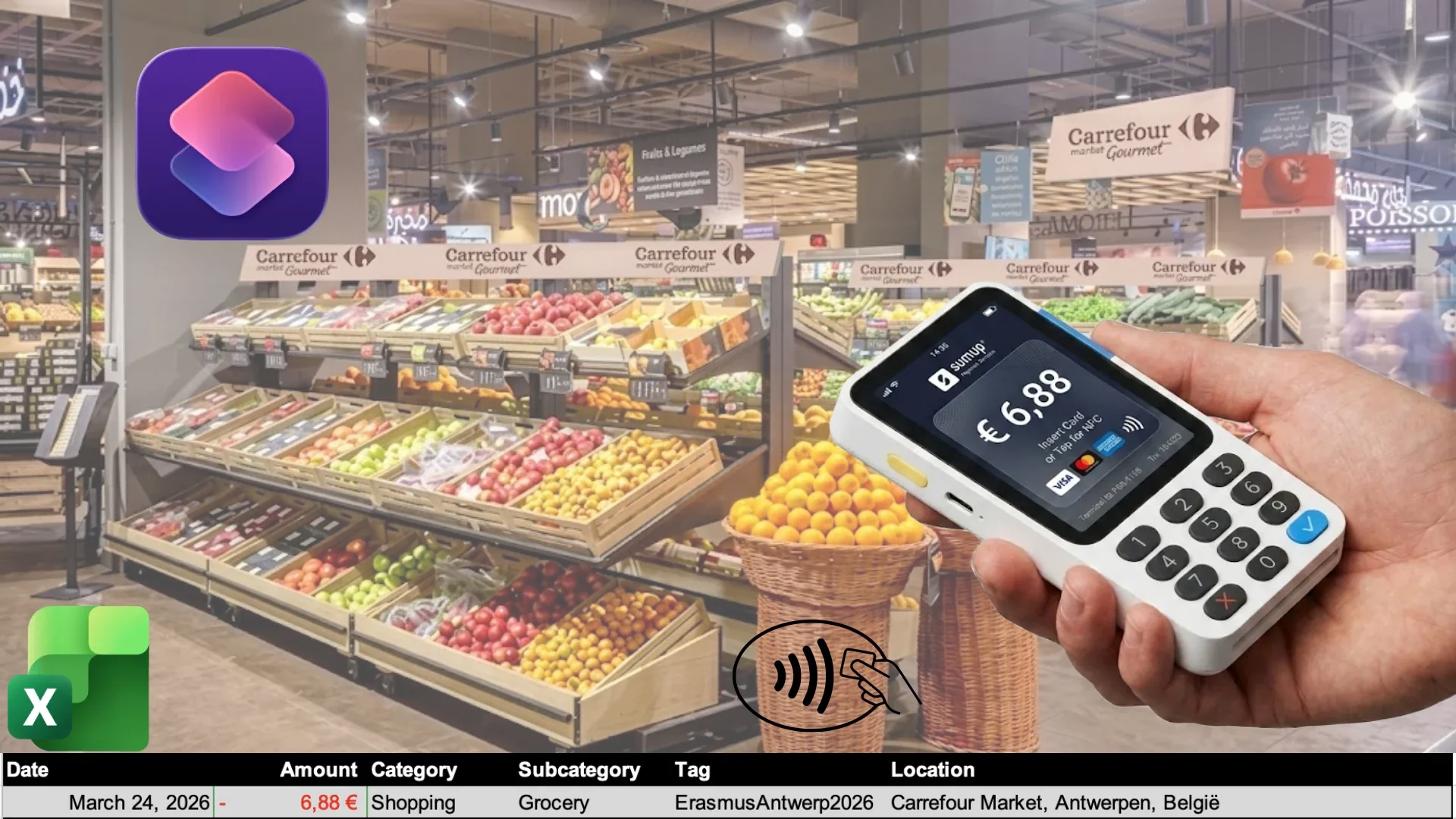
Add Transaction in Excel on Tap
Introduction
I know the pain of adding every transaction in your spreadsheet, if you don't do this the exact moment you pay for something you reach a stack of payments that someday need to be tracked.
Of course there are simpler methods to do that, for example using google sheet, you can create a script in Google Script and a stupid shortcut and you're done.
My problem is that i prefer to use Excel and unfortunately there are no straight ways to add a transactions in it from a shortcut, but i've found a workaround.
How It Works
Disclaimer: Everything is possible thanks to the Microsoft subscription i have with my University and so i'm able to use Excel and Automate
The Idea
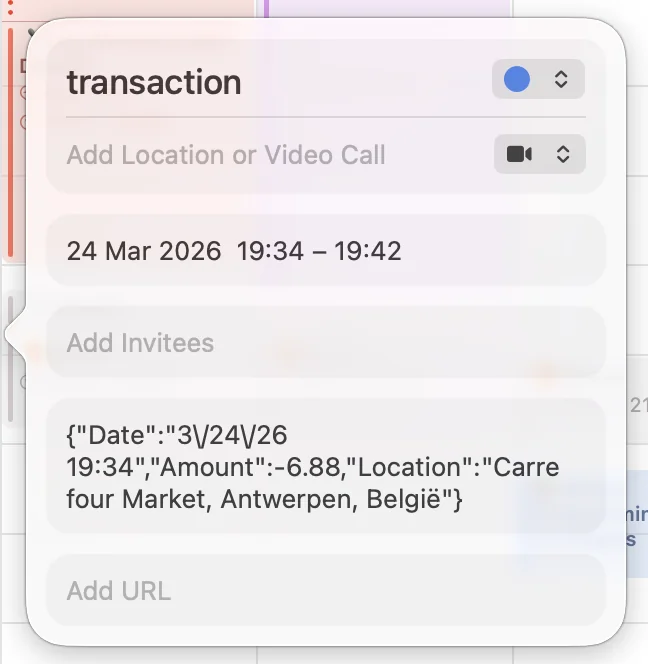
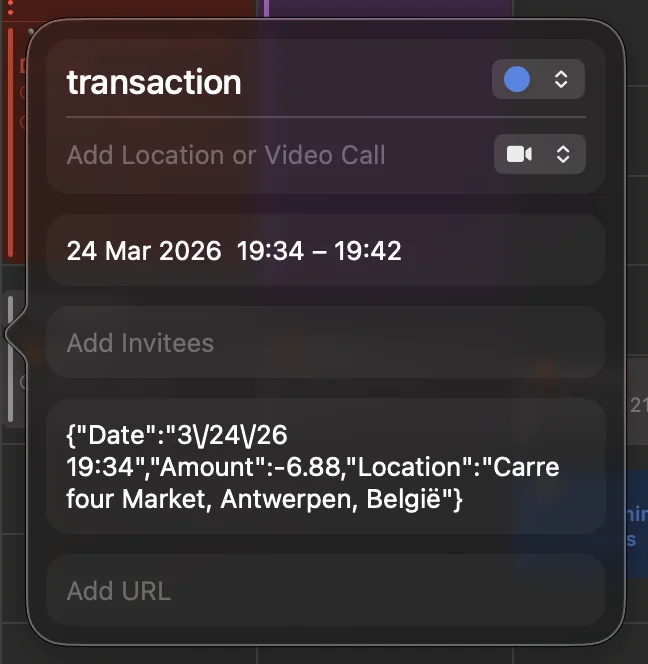
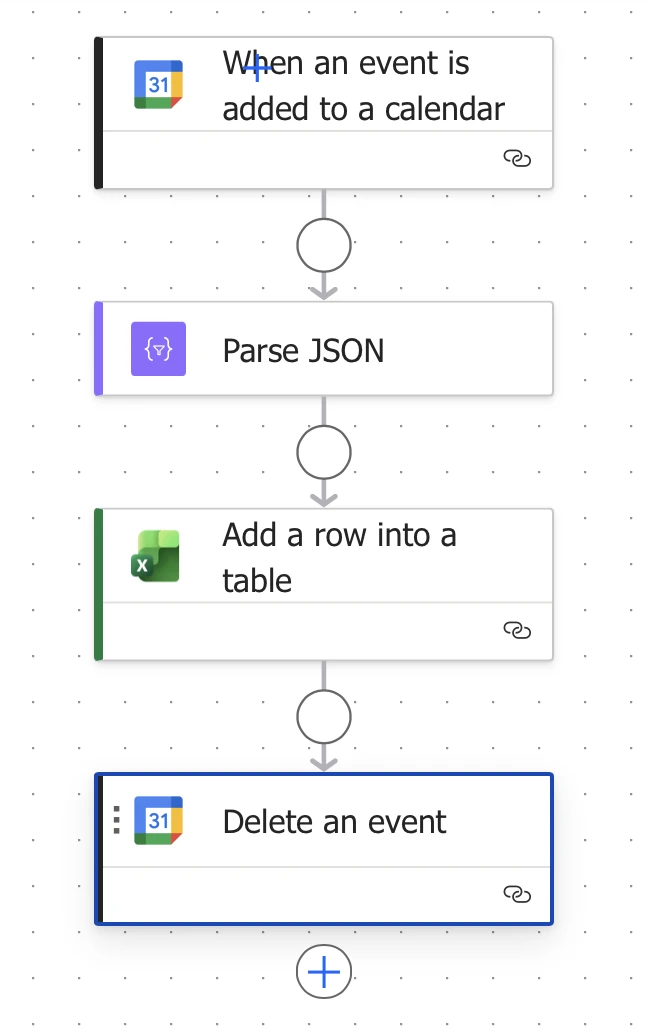
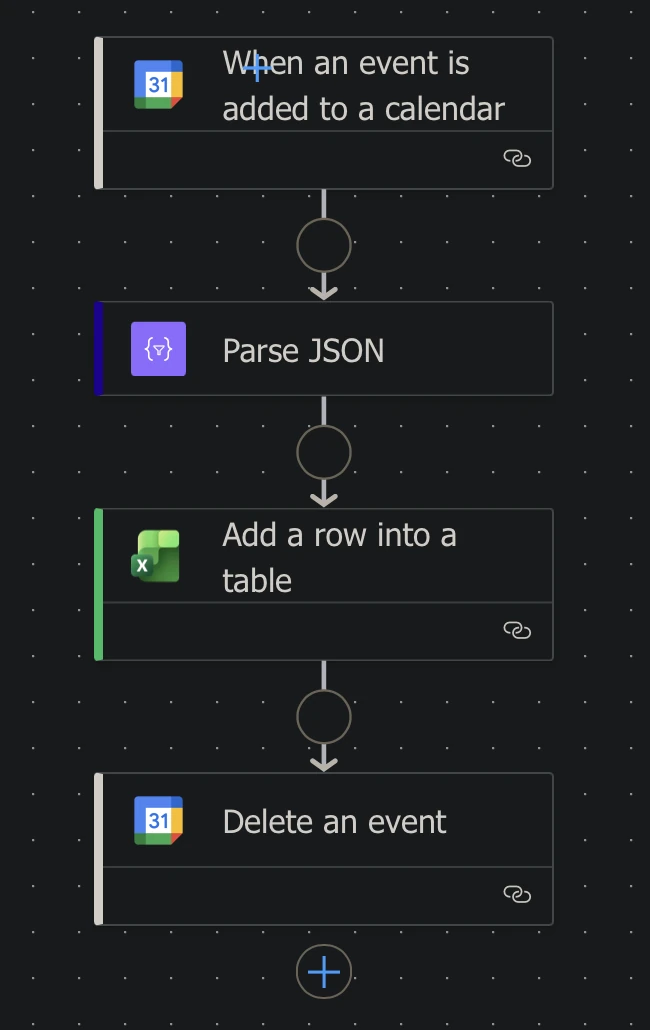
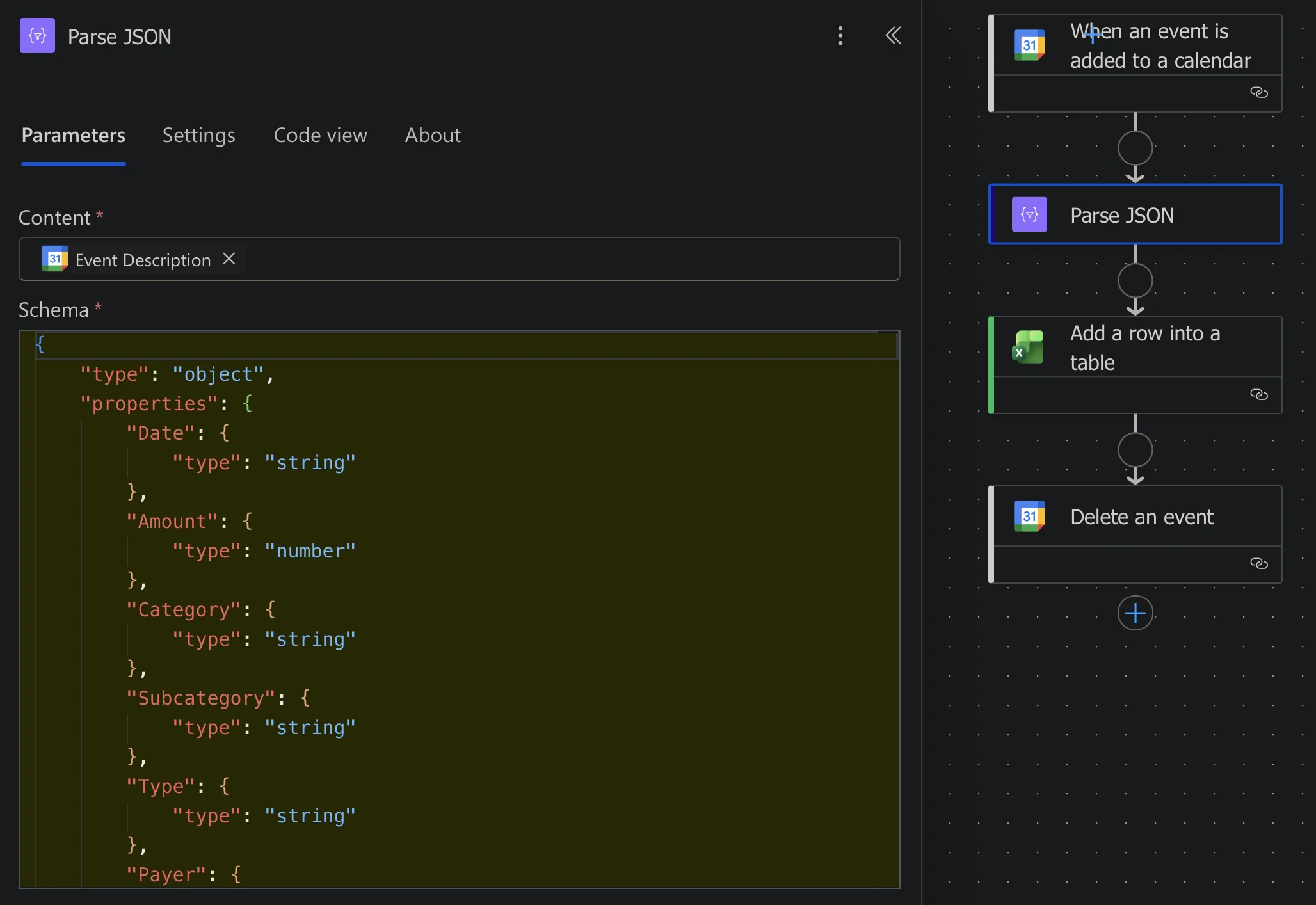
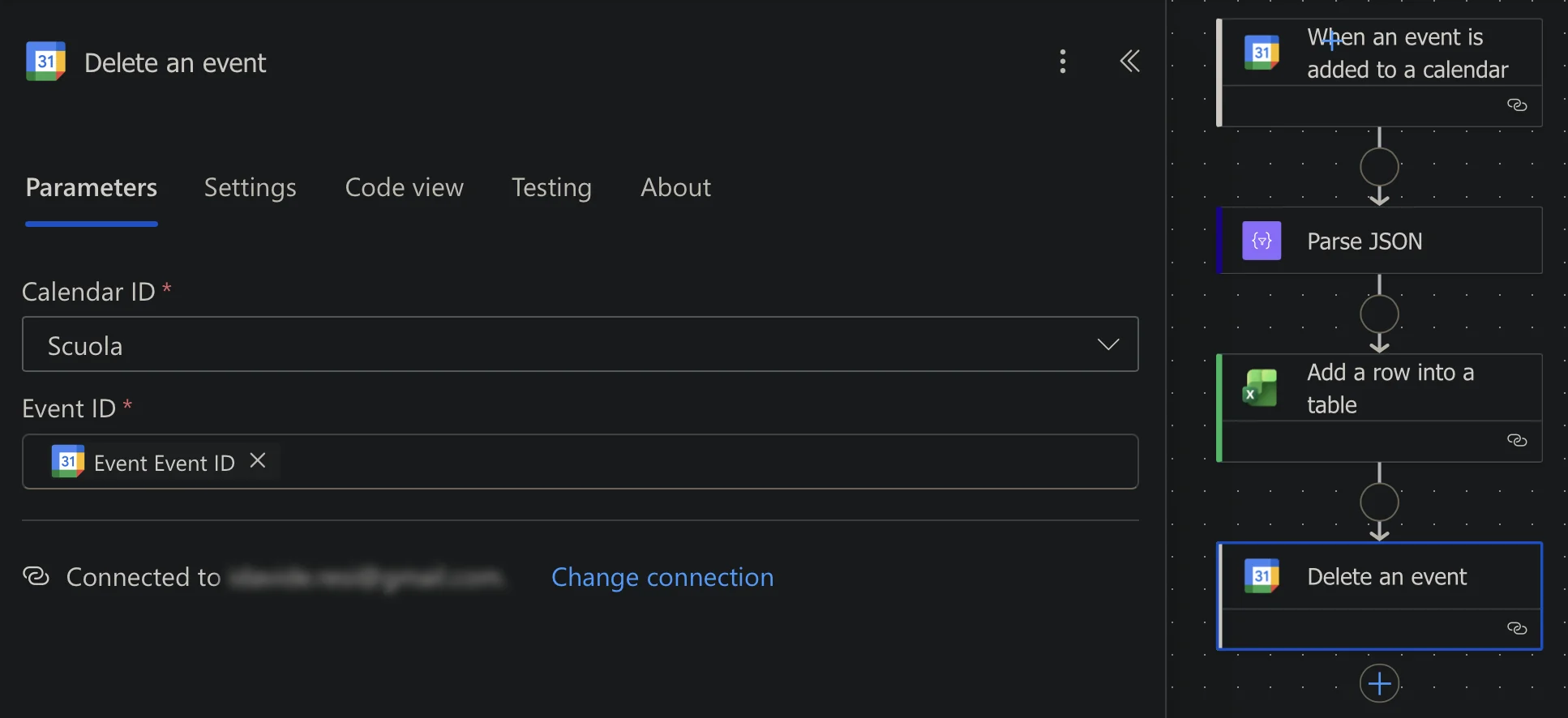
When i tap a payment the automation fill and run a shortcut that create an event in my calendar. Automate listen that a new event is created and scrape data from it then add a new row in the desired xlsx file.
Automation
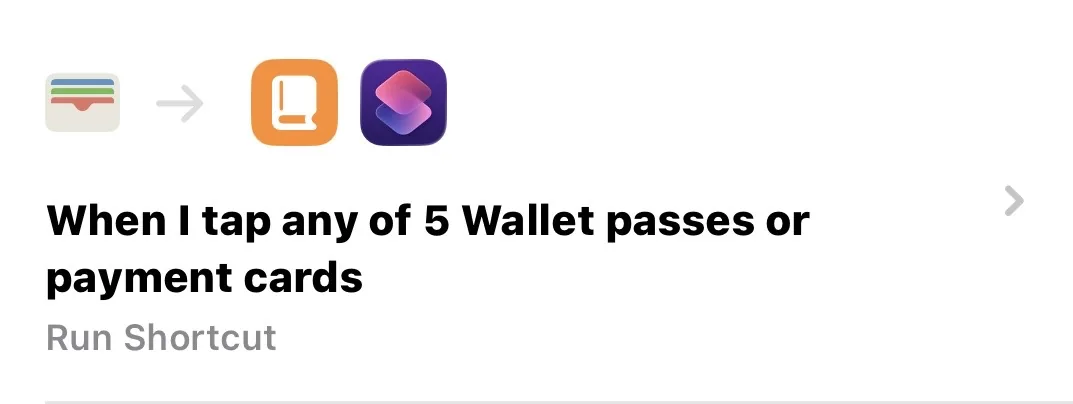
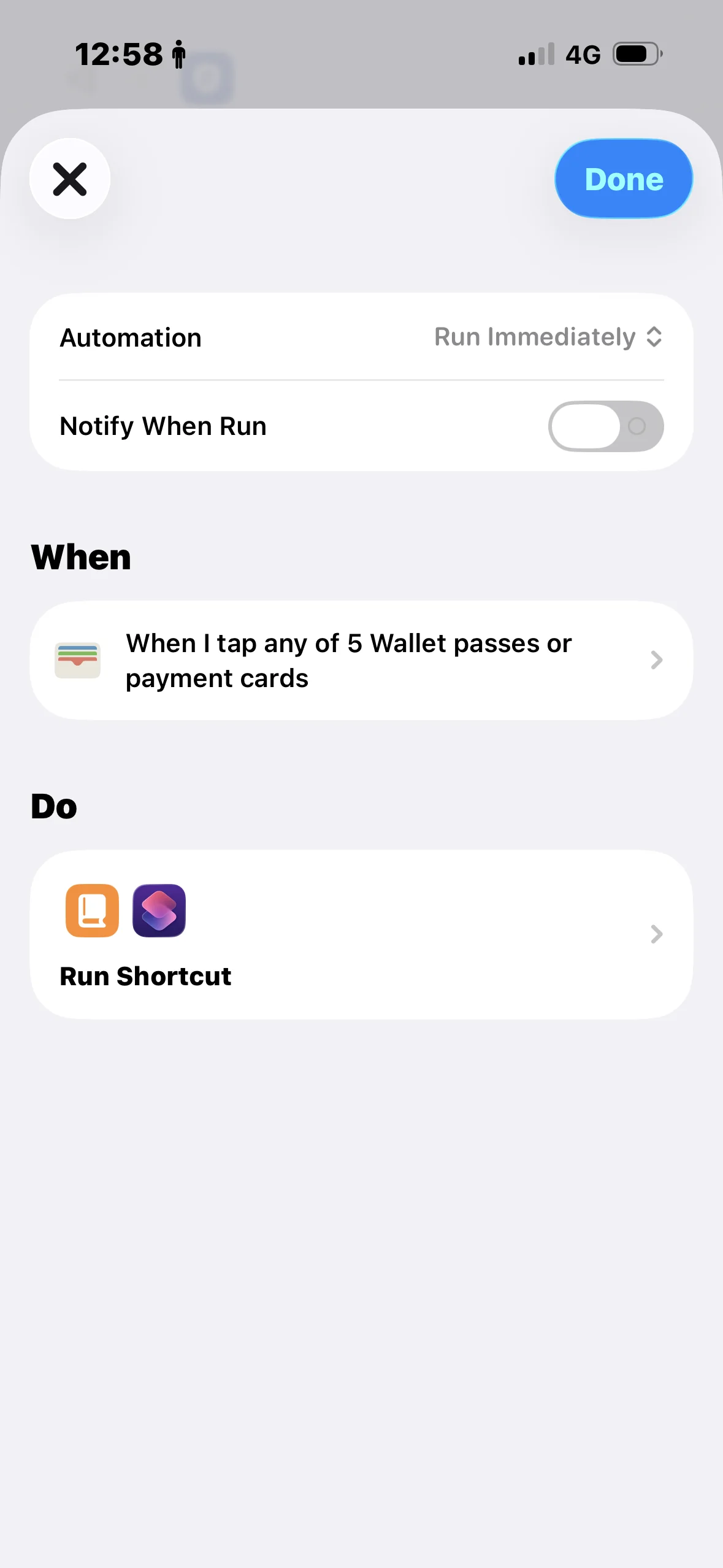
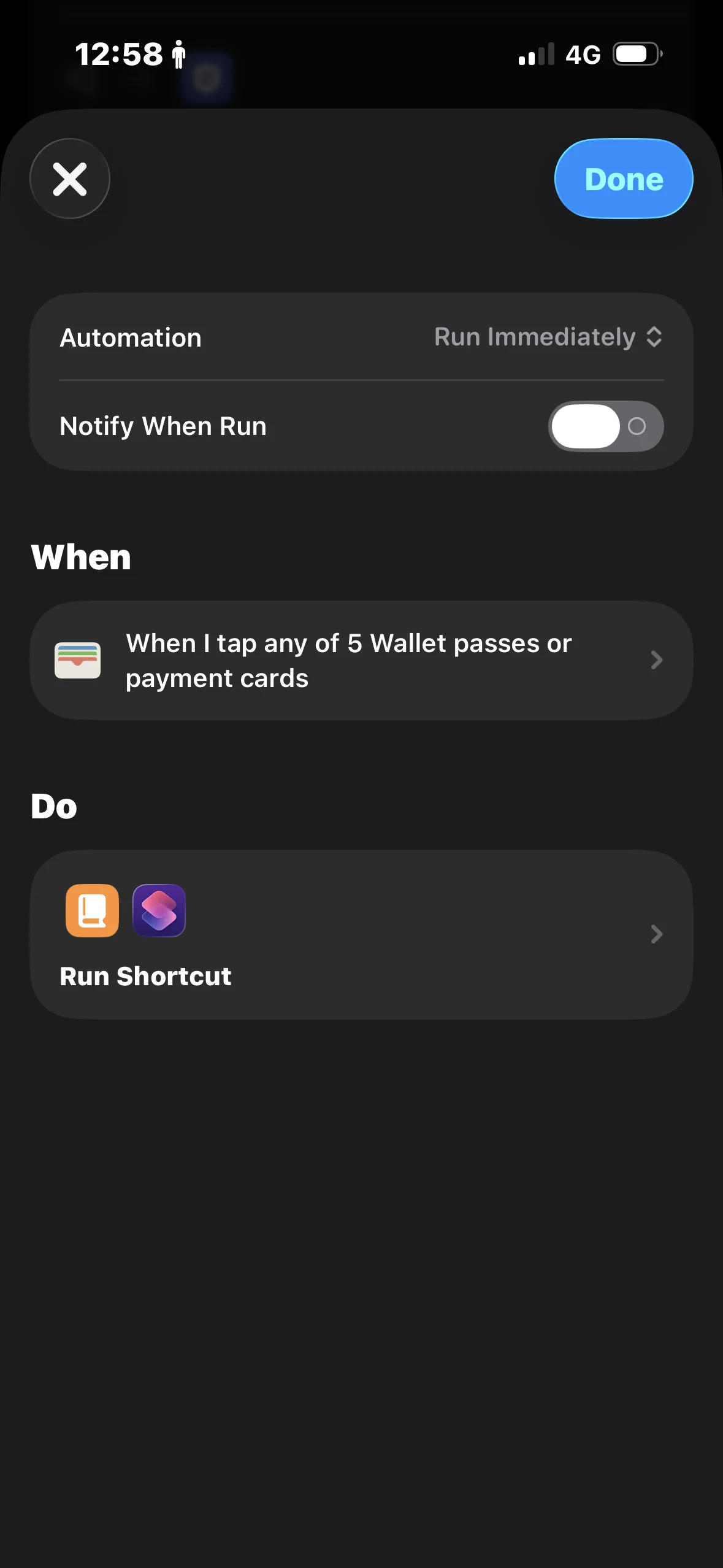
When you tap a payment with the card it give Amount and Merchant to the dedicated shortcut.
Shortcut
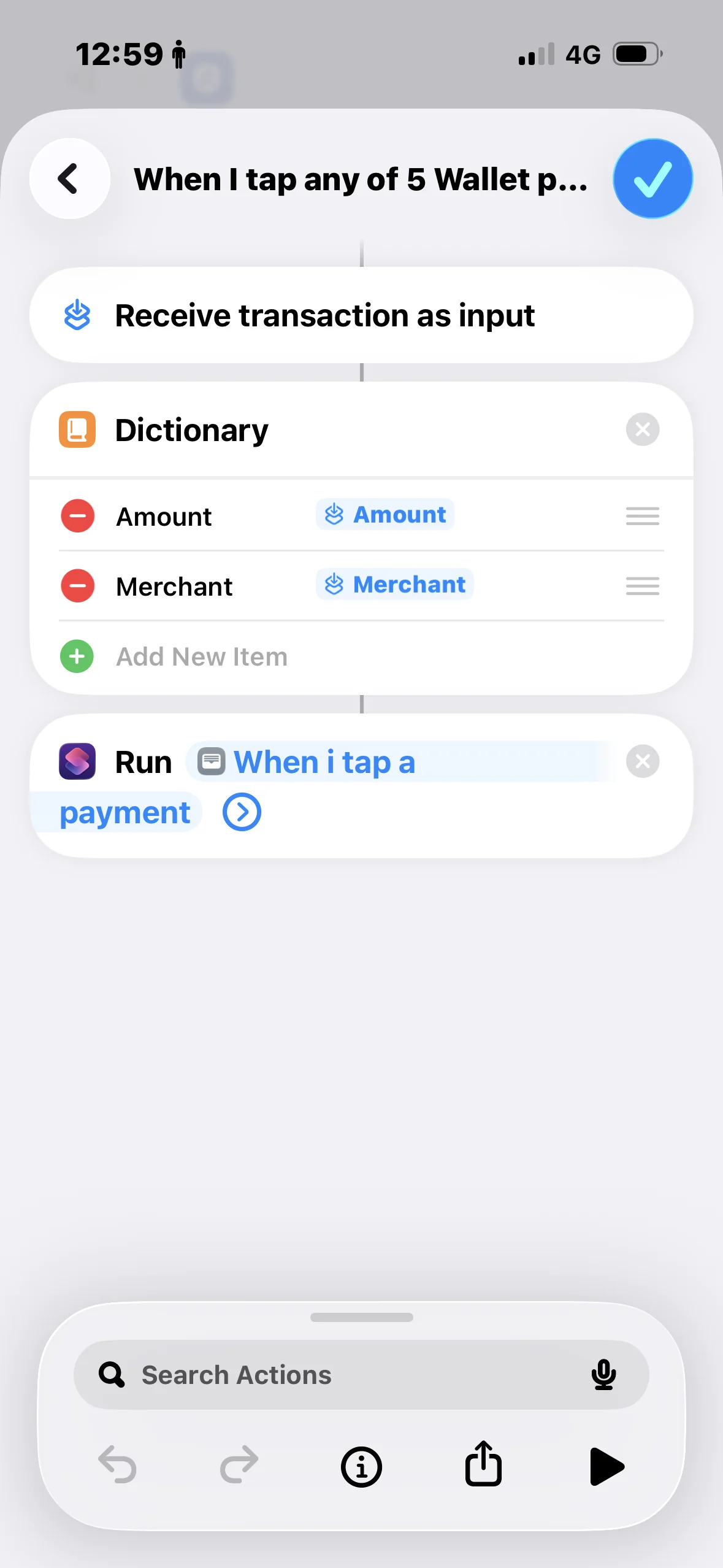
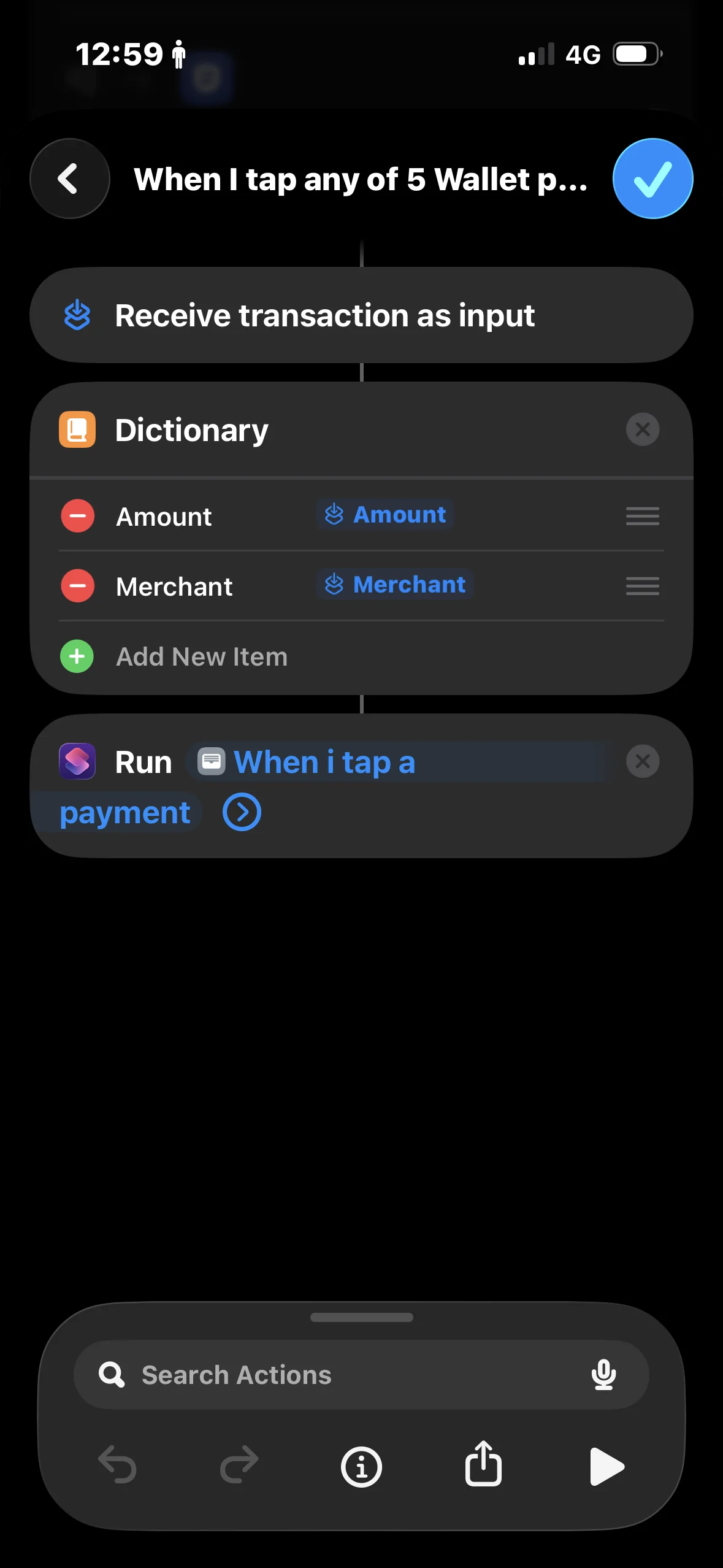
It read data bringed from the automation and fill a dictionary that will be used to create the event in the calendar. I also care about the location using the merchant, so if for example I'm doing shopping to Lidl it'll search for the nearest one based on my position.
Microsoft Automate
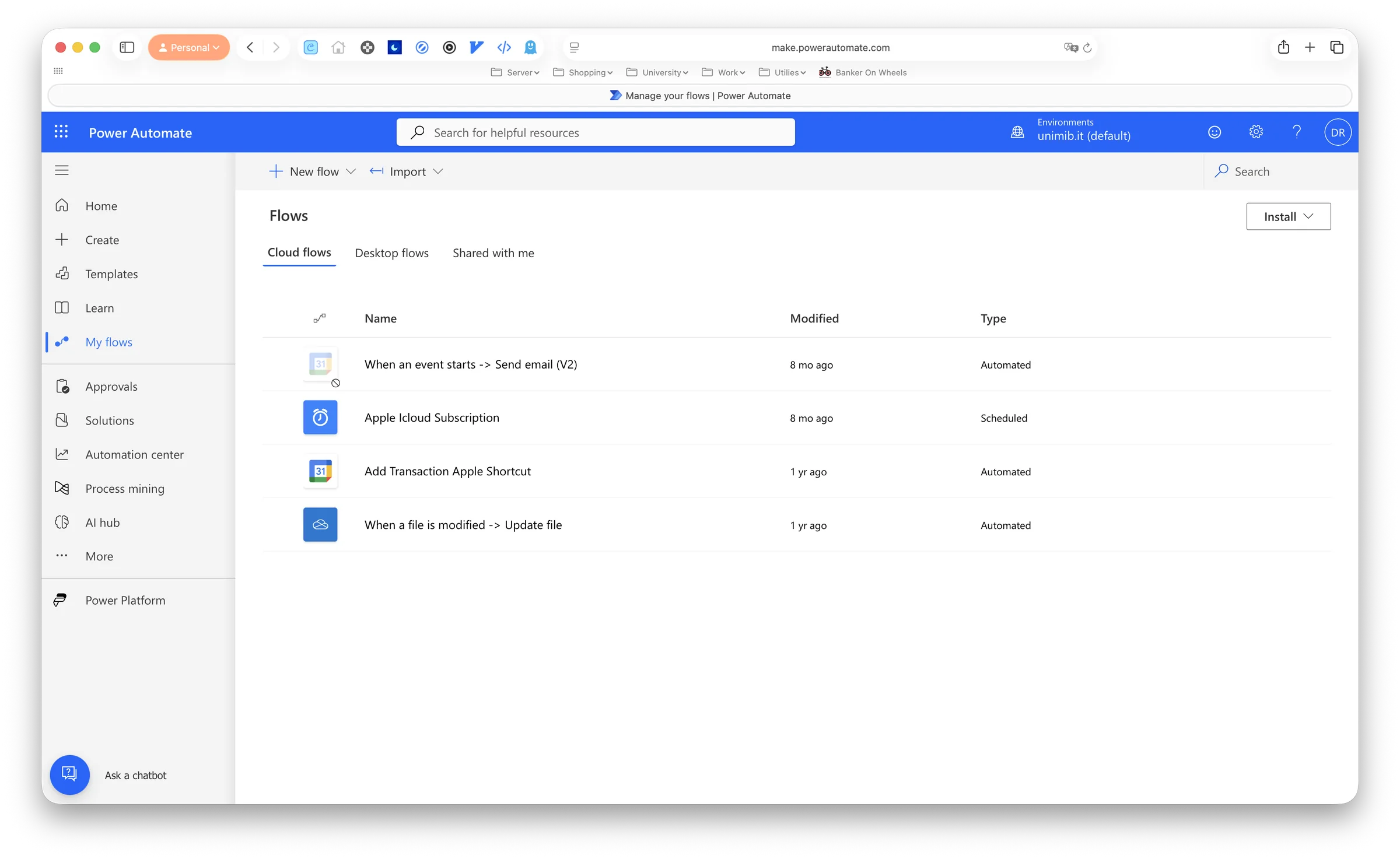
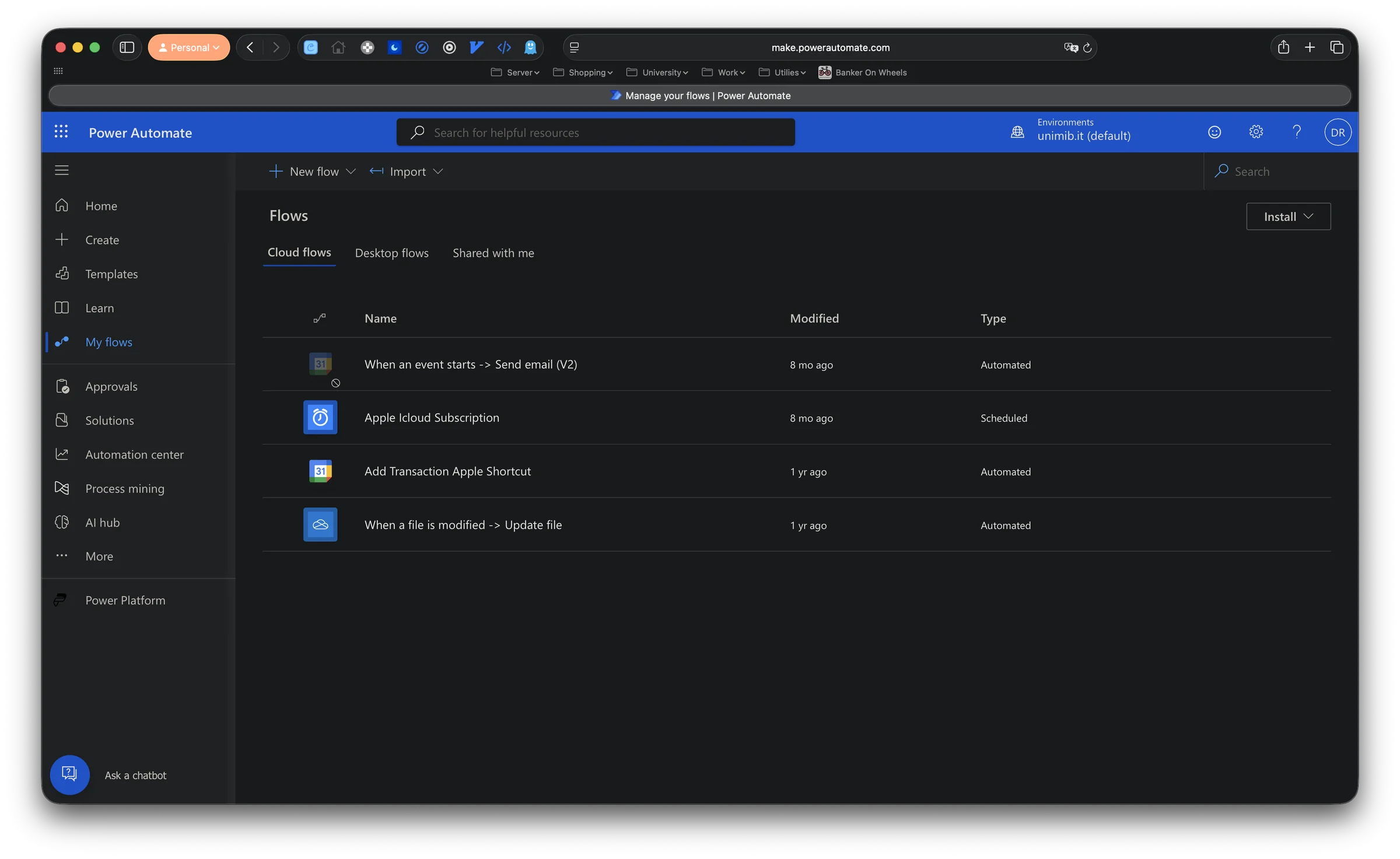
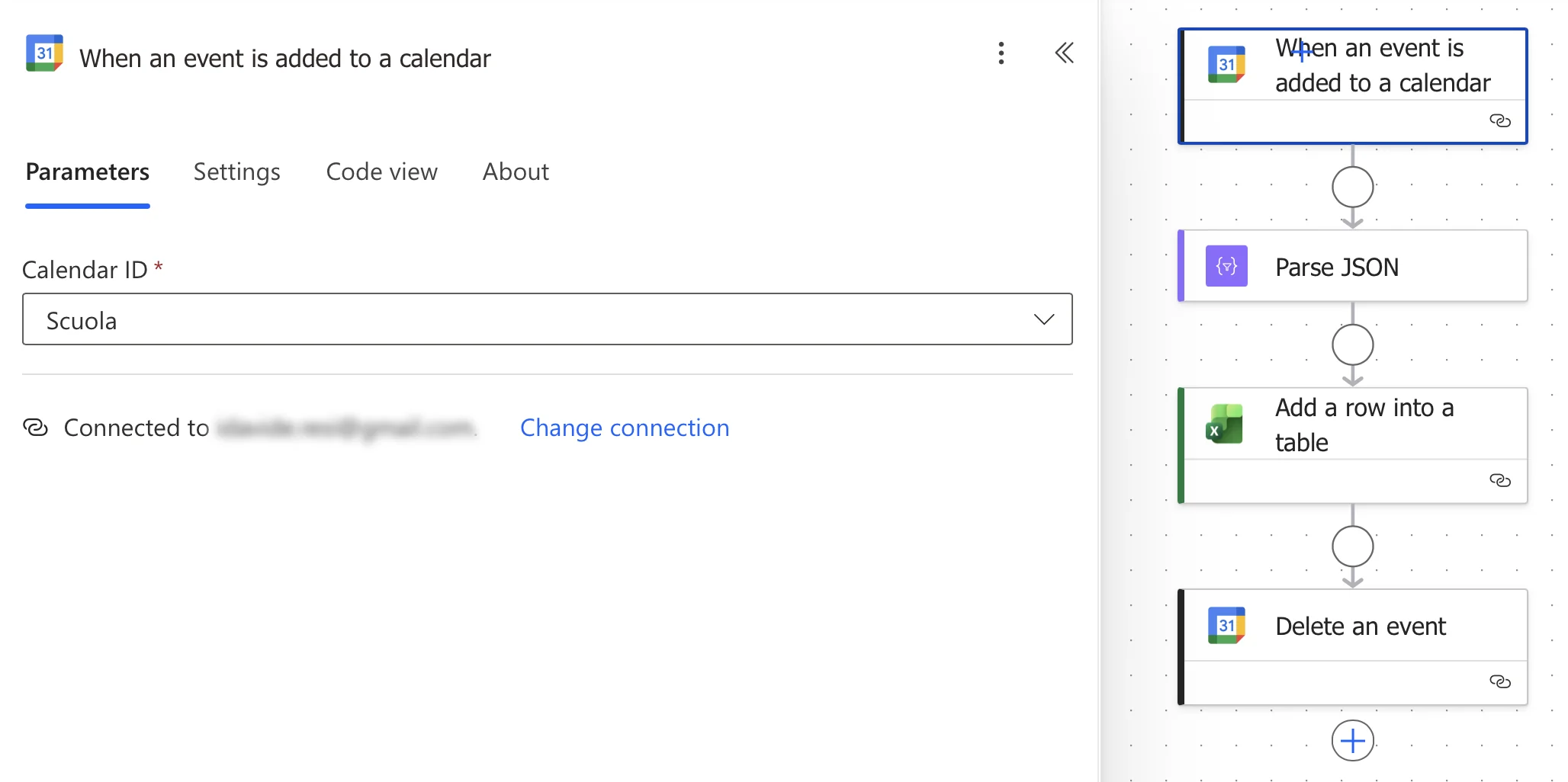
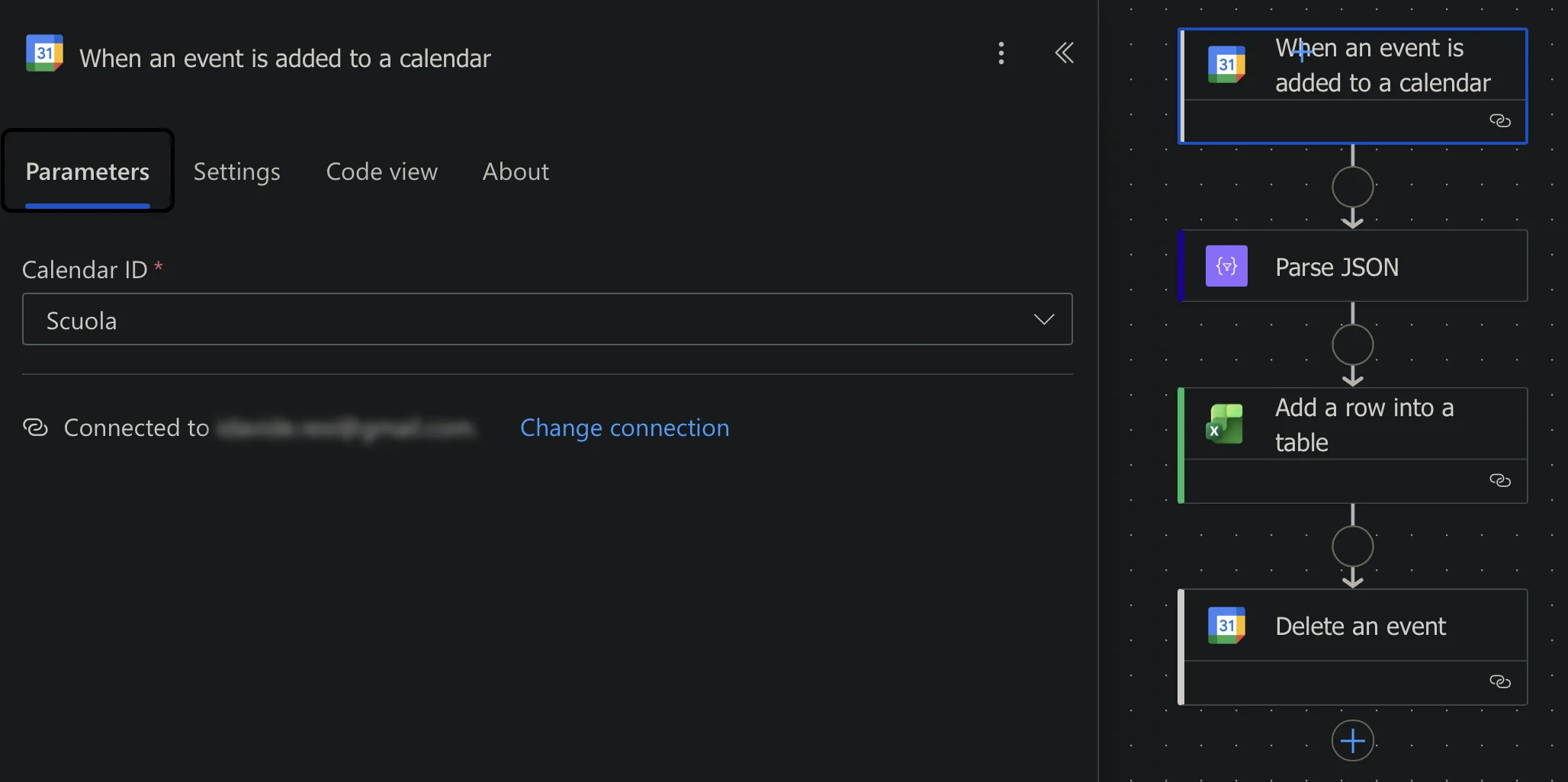
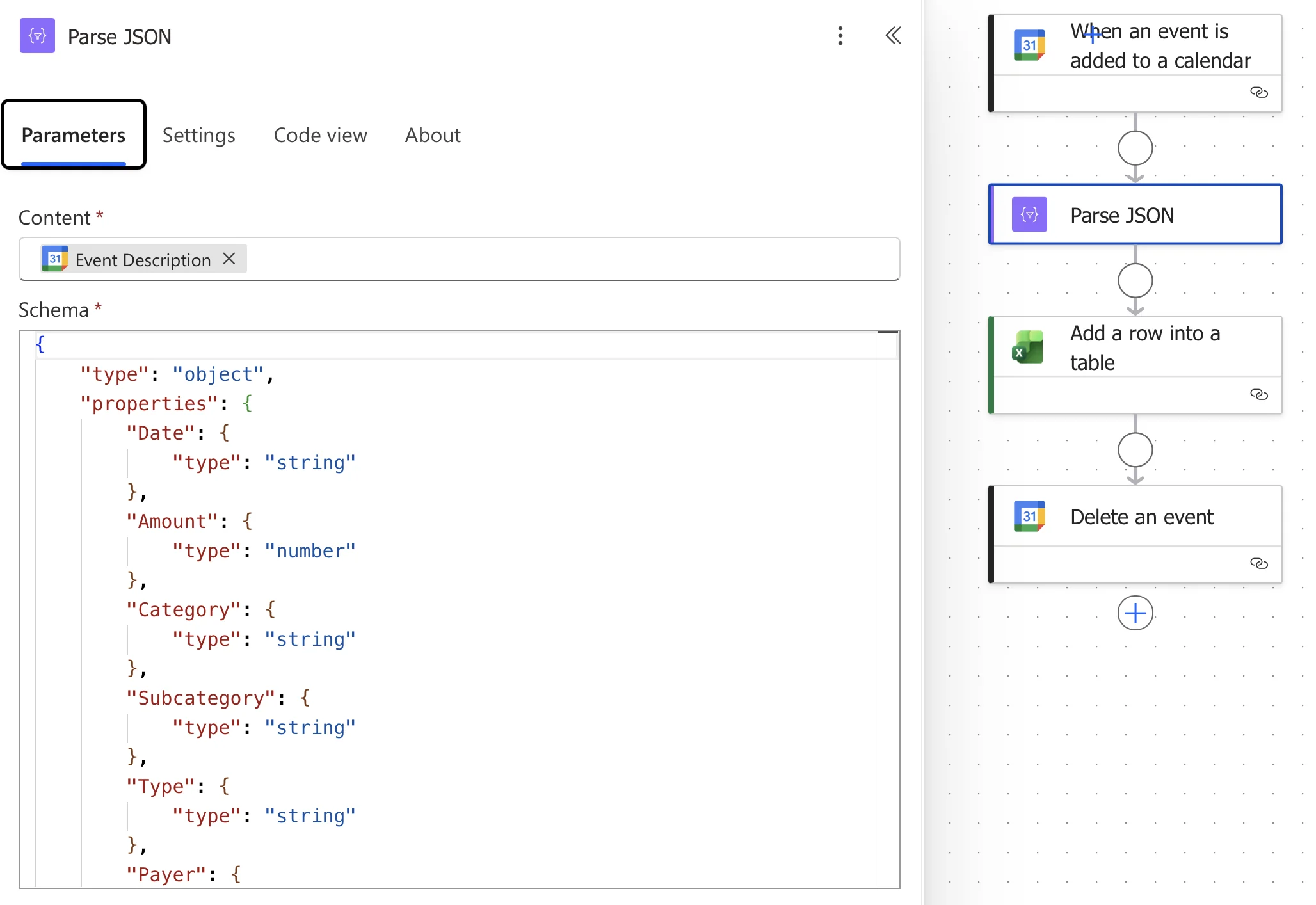
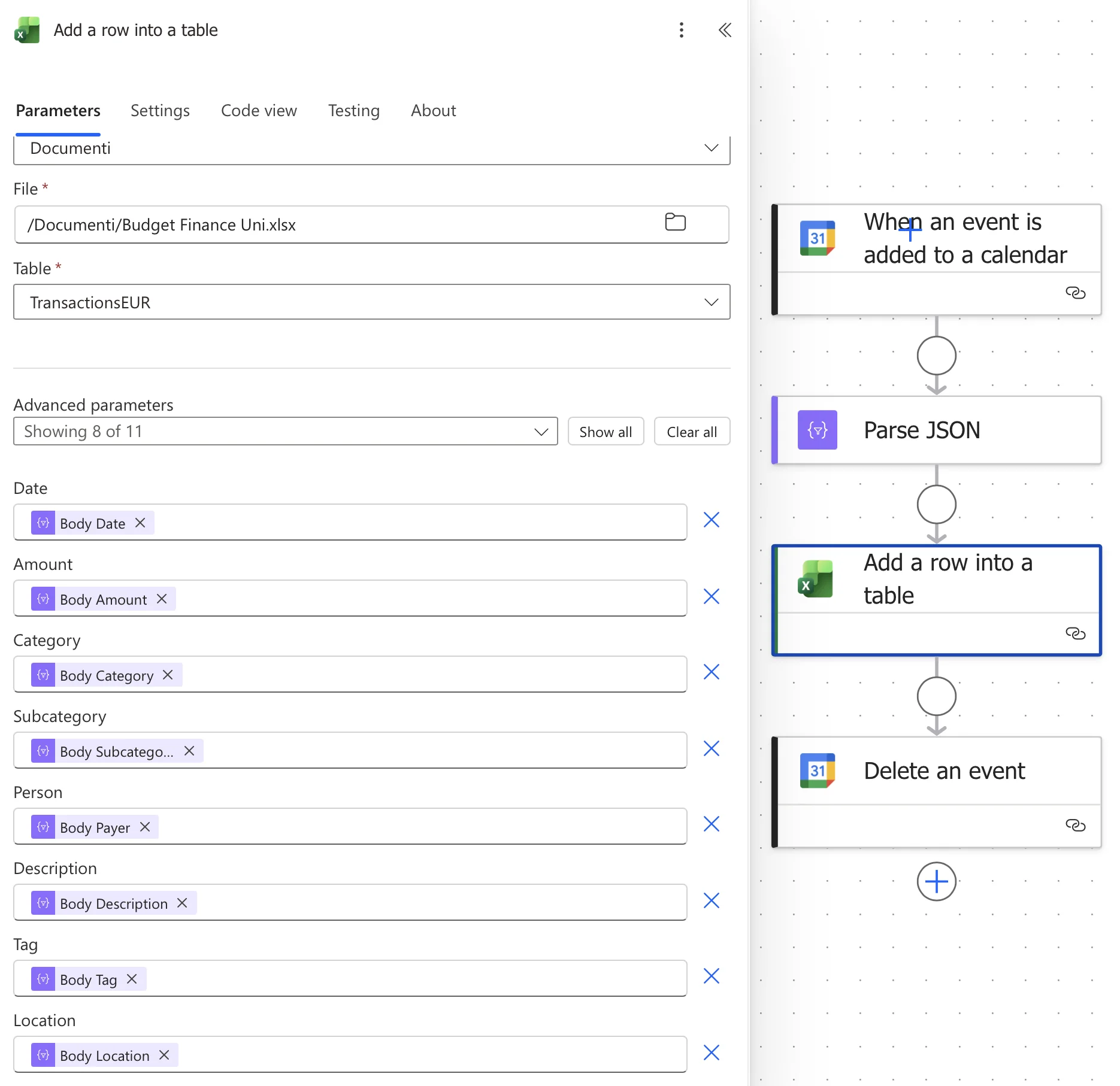
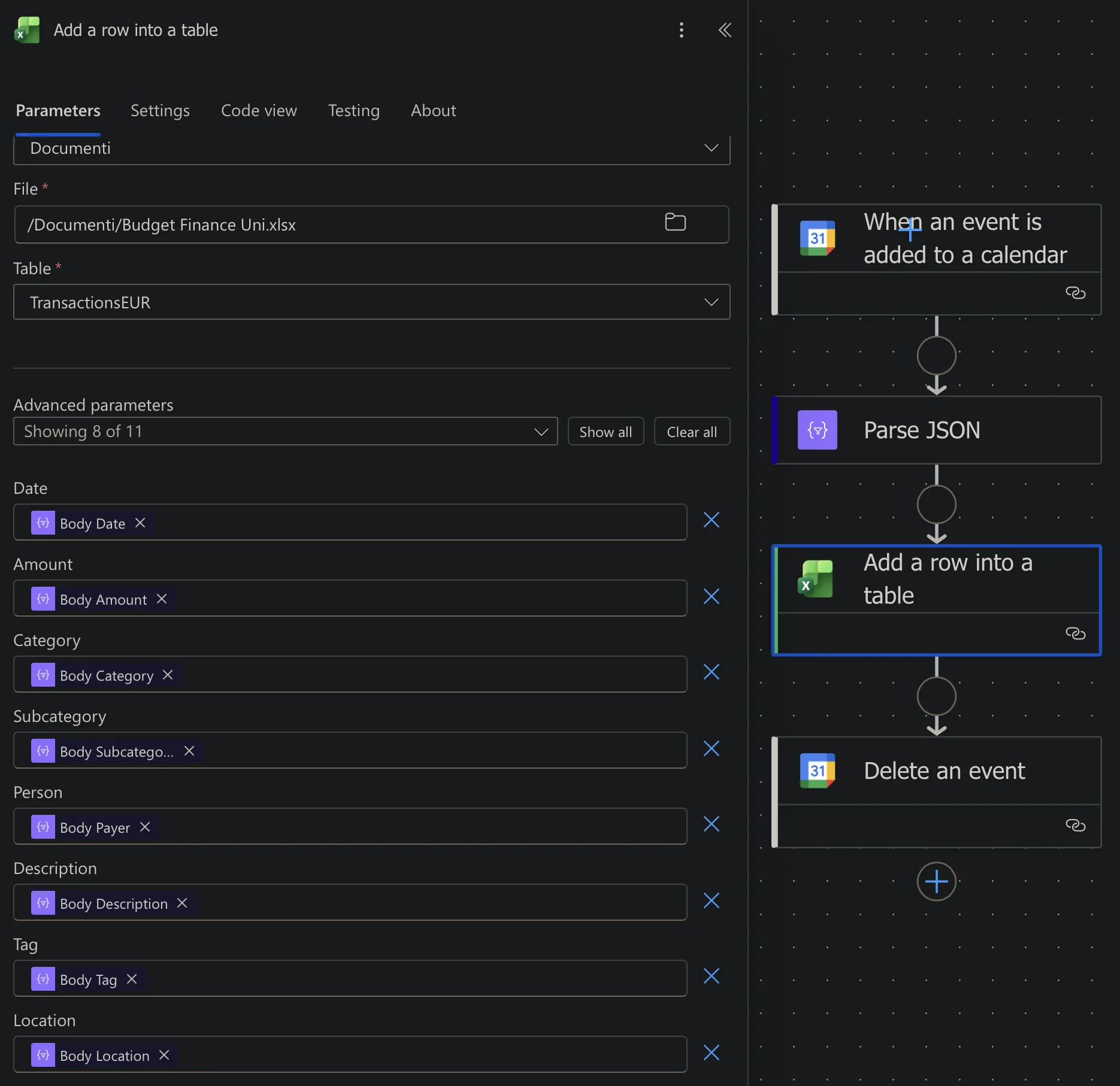
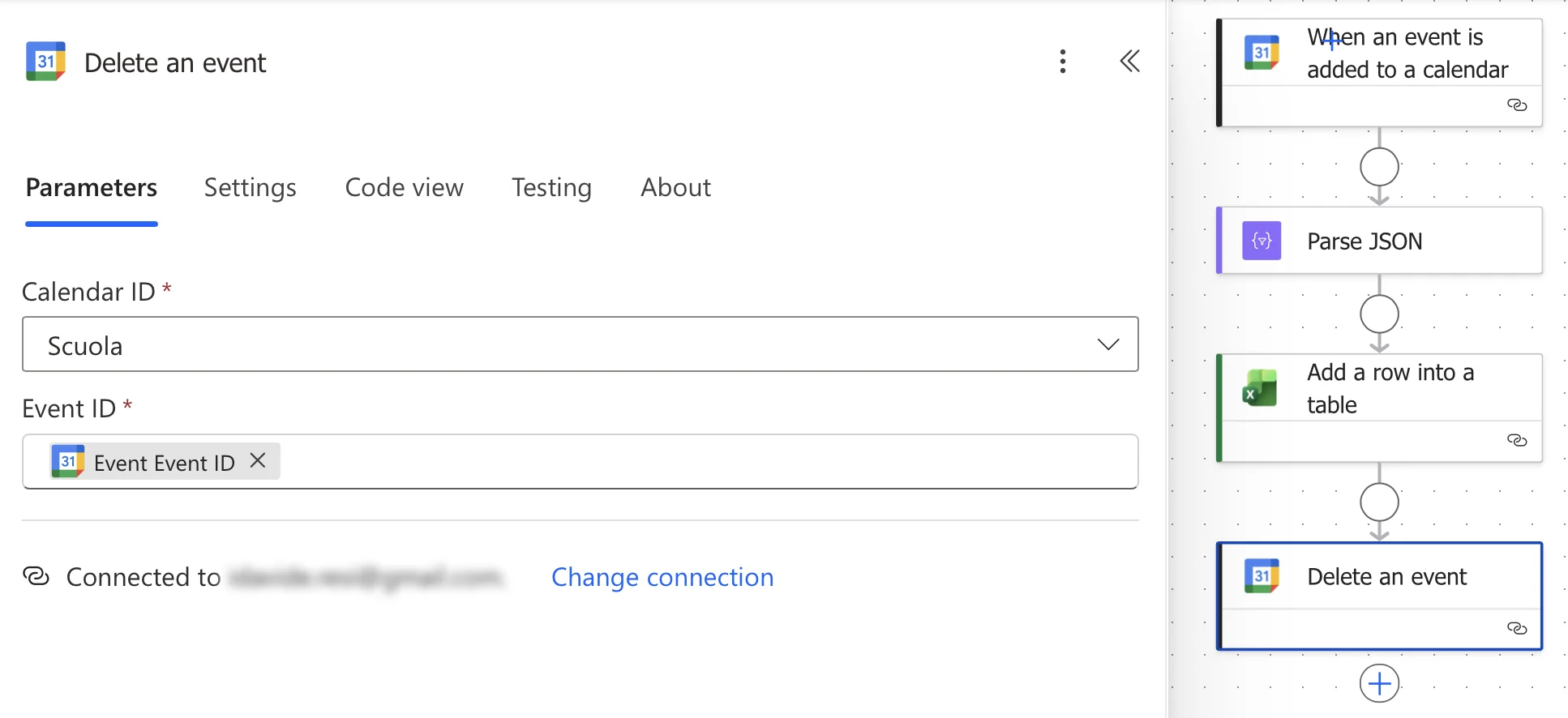
This is the main part of the whole process. It listens for a new event added in the calendar, scrapes the data from it, and finally fills the rows in Excel.
Excel
My finance file is stored in OneDrive and i update it adding a row at the bottom of the transaction table

Final Thoughts
This is of course one of the craziest workarounds i've did related to Automations, unfortunately Apple Shortcut doesn't have an integration with Excel but this is working good for more than a year now.