My Experience with Apple Shortcut
Introduction
I am using Apple Shortcuts every day for around 6 years now. ⚡
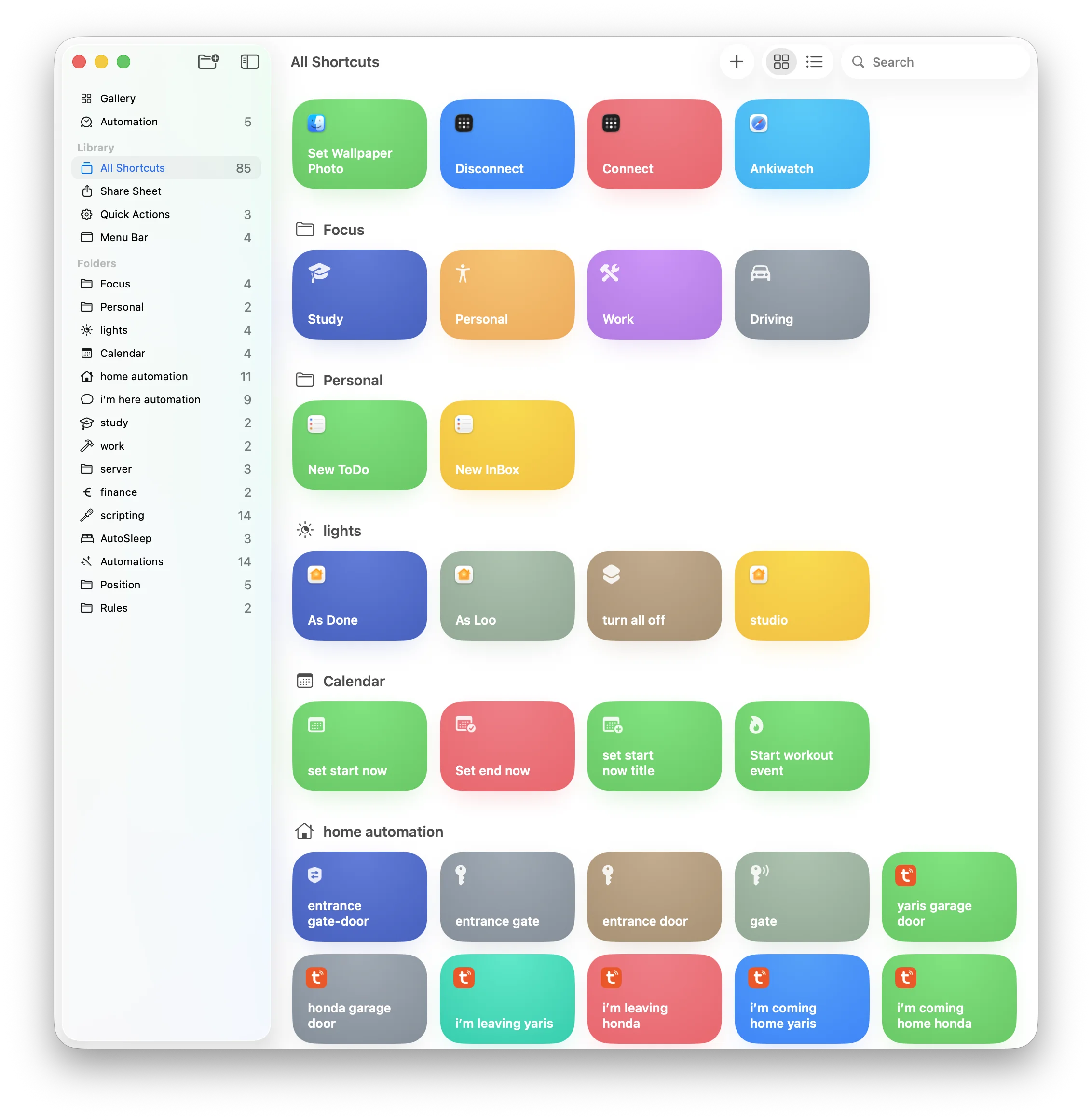
I think is the most underrated app in the whole Apple ecosystem: it is extremely powerful, but many people don't even know it exists, or just use it for simple things. Now I have experience with a lot of shortcuts done that i use every day, and I want to share my thoughts about it.
How this started
I remember when in iOS 13 Apple added the Automation tab: that improved a lot the utility of Shortcuts. I really started digging in with iOS 14, when Apple finally allowed some automations to run without confirmation.
There was the viral trend of speaking when the phone was plugged and unplugged. I copied that and made my first real automation. I loved the idea, but very fast I got tired of it and disabled it.
Still, that moment made me curious so I started creating automations for almost everything I was thinking about.
At that time the app was much more limited.
Action Button Power
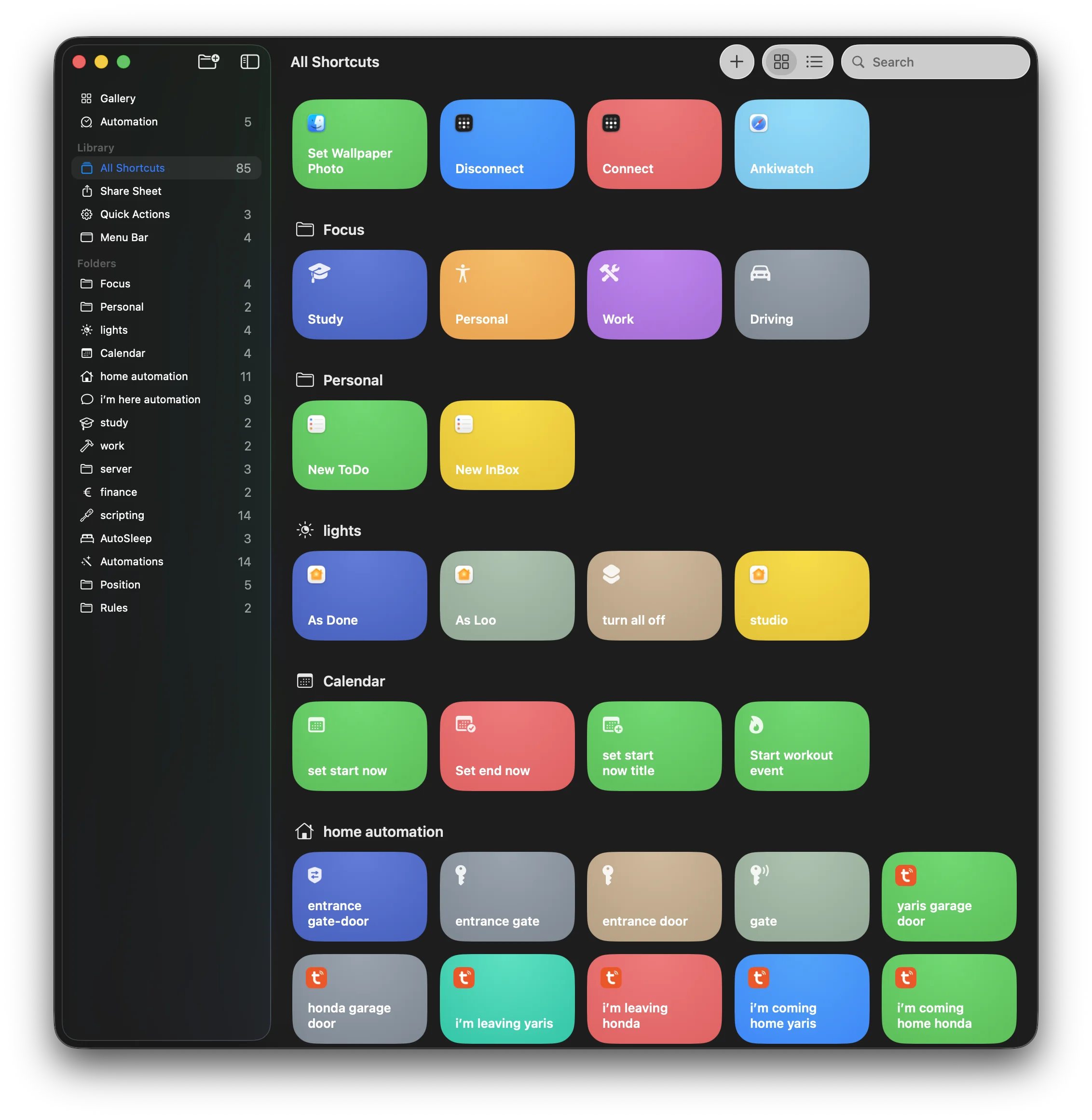
Today my ecosystem is heavily based on shortcuts. From wake-up to bedtime, a lot of things are automated. 🧠
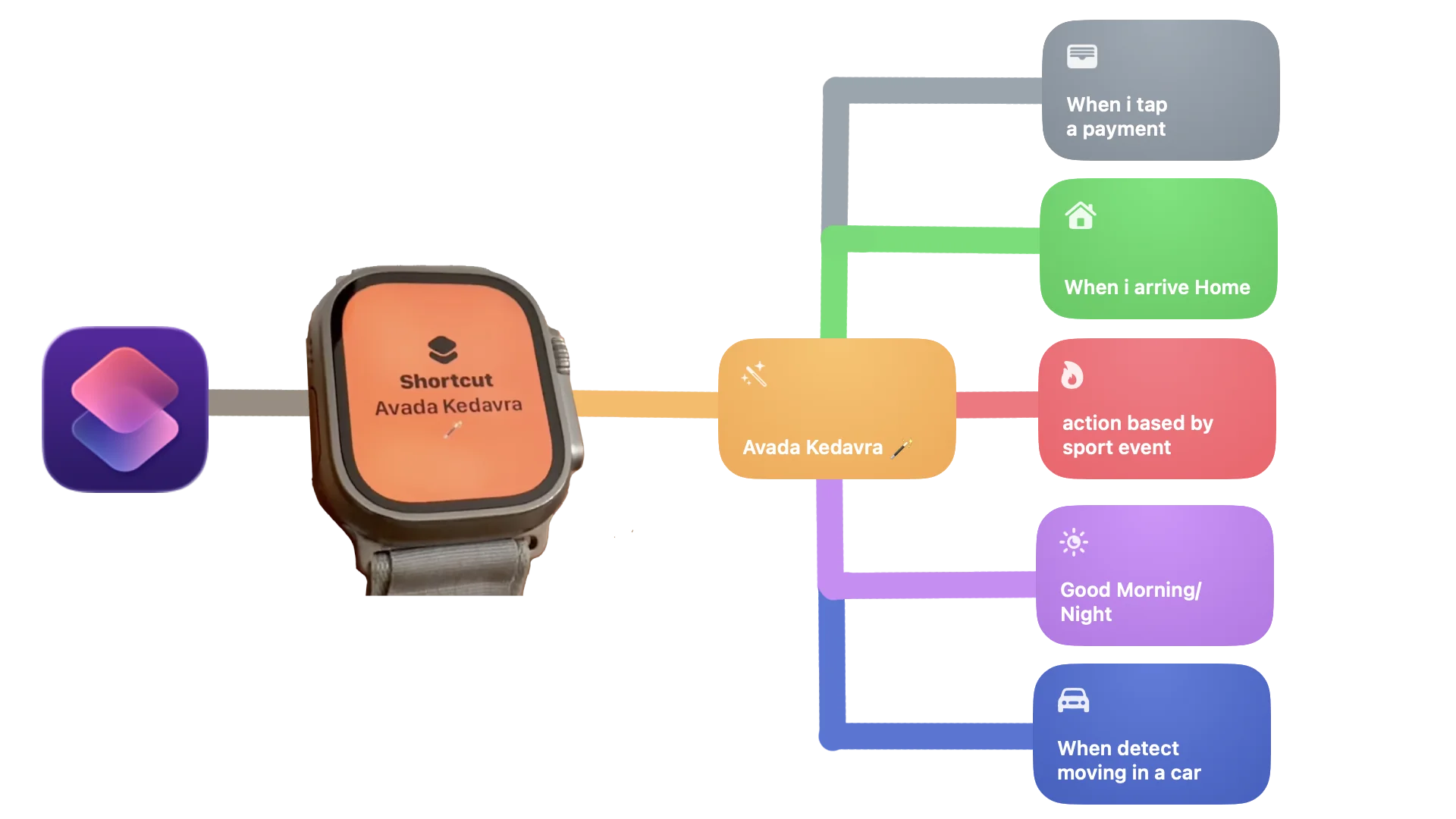
On my Apple Watch action button, I run a shortcut that i called Avada Kedavra. Depending on the context; location, calendar events, focus, ... it does different actions.
Am i starting a Workout/Run?
Check if the calendar event exist and the focus in sport is on and then start or reset the stopwatch/WorkOutdoors .
Get ShortcutI'm Here Come Down !!
While driving i simply click the action button and it sends a message to the nearest person house I'm going to, so the time i reach there they are already down waiting me.
Good Morning/Night
When i wake up i click and automatically change focus, turn on lights, turn on wake on raise and decide if use always on display.
When i go to bed i click it and turn off light, always on, wake on raise and start the sleep tracking using AutoSleep
End Study Event
If i'm stuyding and i finish i click the action button to switch back to the normal focus and update the exact end time of the study event in the calendar.
Gate Door Opening
I don't need to search for the keys when i'm getting home with my bike i don't event need to stop since i press the action button and the gate and then the door opens automatically
Those are some examples of how i use action button on my AW to trigger different automations.
iPhone's Today View
Since i don't have action button on my iPhone i use a lot the Today View. I simply do a swipe right and i have acces to the shortcuts i prefer.
All that glitters is not gold
I would love to say Shortcuts gives unlimited power, but the reality is different. You can do a lot, but many advanced ideas need workarounds.
Software Limitation
With my iPhone 14 Pro I still cannot set a native condition like "keep charge between 20% and 80%". It's a simple software limitation since from the iPhone 16 you can do it natively, but I have to use a workaround like a smart plug. 🔌
Random Errors ‼️
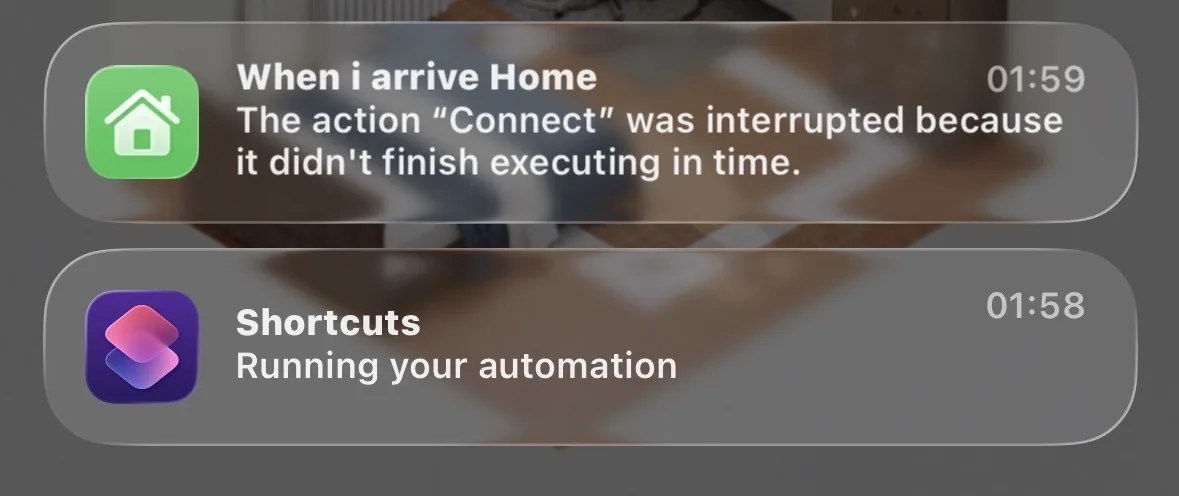
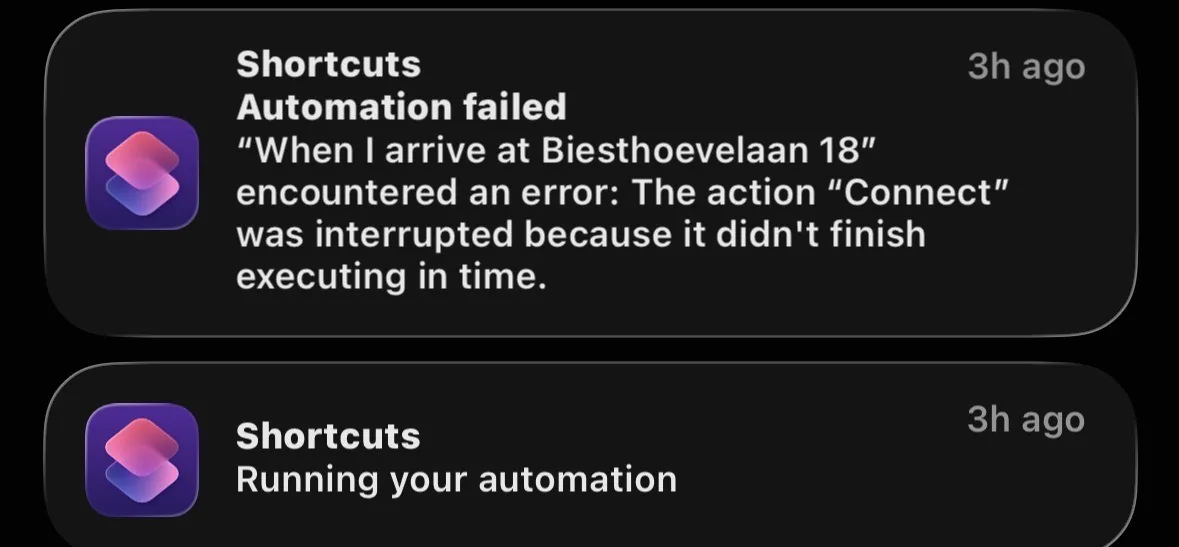
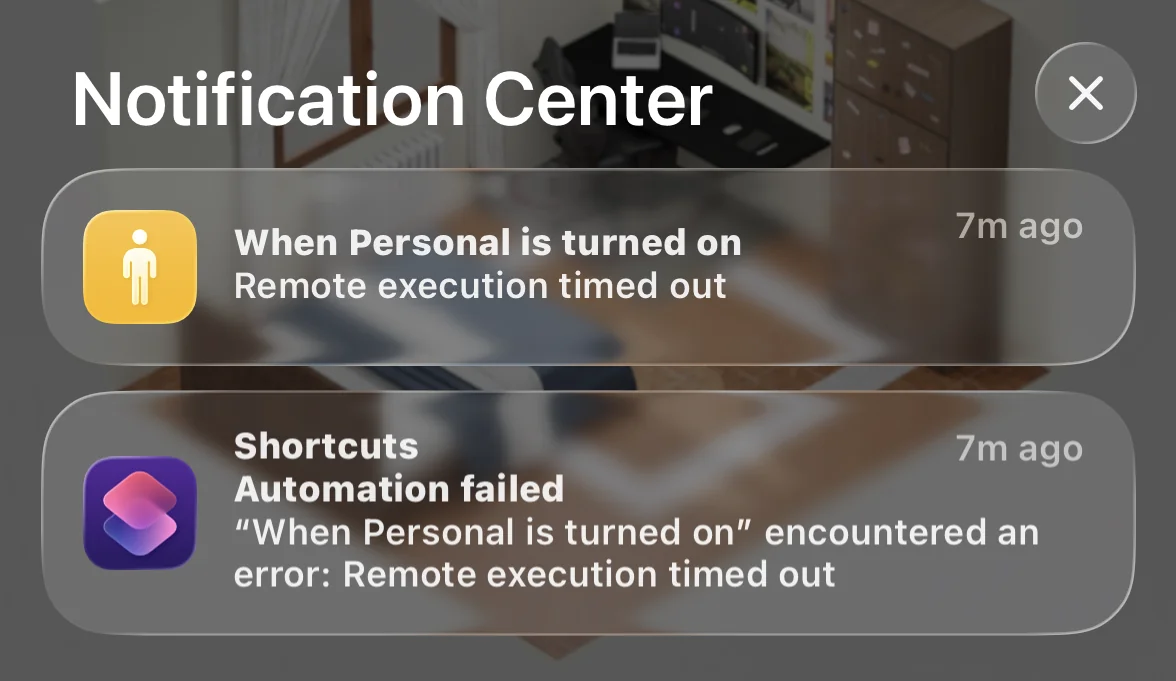
For example, the "Always On" toggle action often fail randomly. I place it at the end of shortcuts, so if it fails, all previous actions will be completed. If you place it too early, you can get "shortcut is taking too long" and everything after can stop.
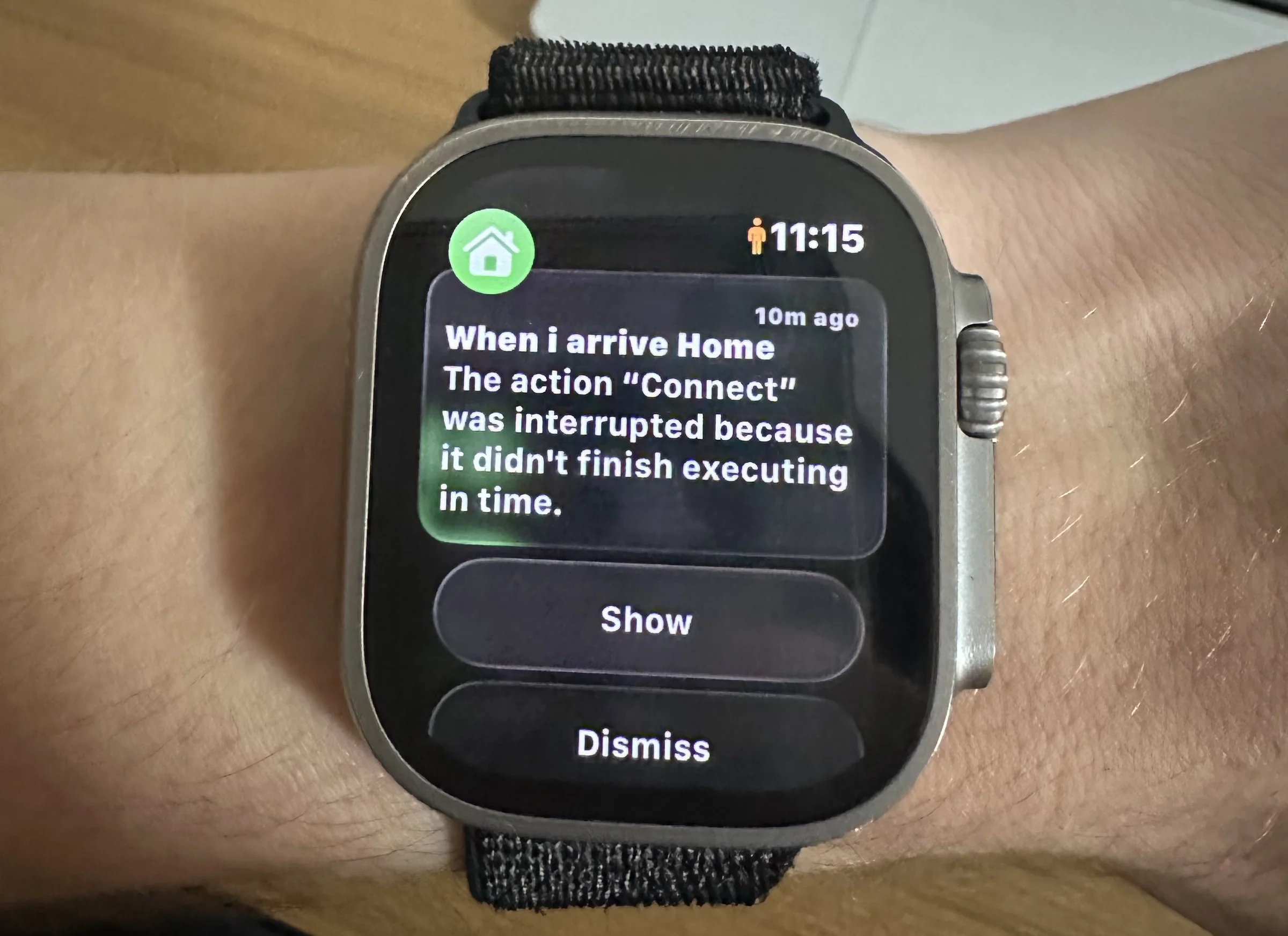
Location loops
The location automation when I get to the park, sometimes, continuously trigger randomly, despite that I am still in the same location. 📍
Devices Sync
One of the biggest cons is synchronization between iOS, watchOS, and macOS. A shortcut can work perfectly on iPhone and fail on Mac, or run differently. On Apple Watch it is even worse most of the times, because shortcuts are executed locally first.
Notification Noise
Notification management is another weird area: if you have many shortcuts and automations, you get a lot of notifications just to tell you a shortcut ran. You can hide some of this with a Screen Time workaround, but after reboot or randomly, it come back.
I had a lot of trouble with those random errors, and the frustating part is that you can't do anything, you only have to hope that the next update will fix it. 🛠️ (spoiler: it often doesn't)
Add-ons
Shortcuts becomes more powerful if you use external apps, like Actions or Toolbox Pro, to get actions Apple does not provide by default. For example, since i disabled the notifications of shortcuts with the Screen Time workaround, i use Actions to send me notifications when i need them.
Apple Watch Problem
Most of the troubles comes from the Apple Watch limitations.
Apple Watch often runs shortcuts locally first, but some actions are handed off to the paired iPhone when the watch cannot handle them, this is a HUGE!! limitation since it creates a lot of sync problems and random errors and most important you can't decide. For example, I have a shortcut that modify the current event start date to the current time once triggered, it works perfectly everywhere except on AW. (works only with simple filters)
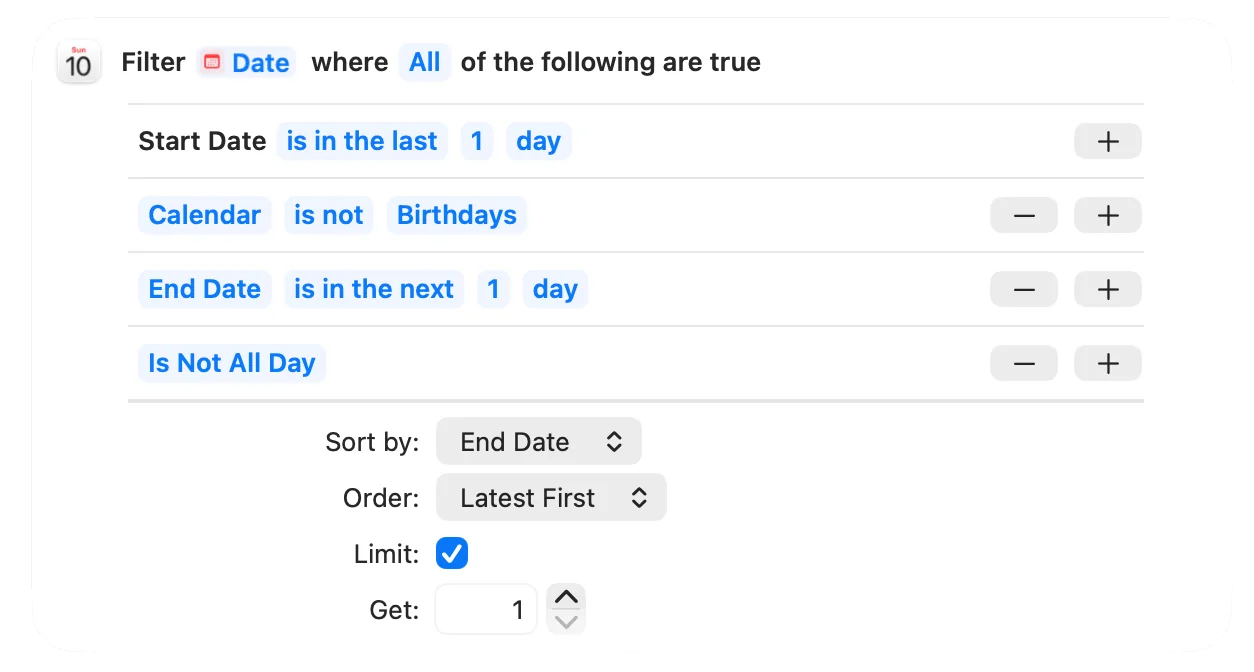
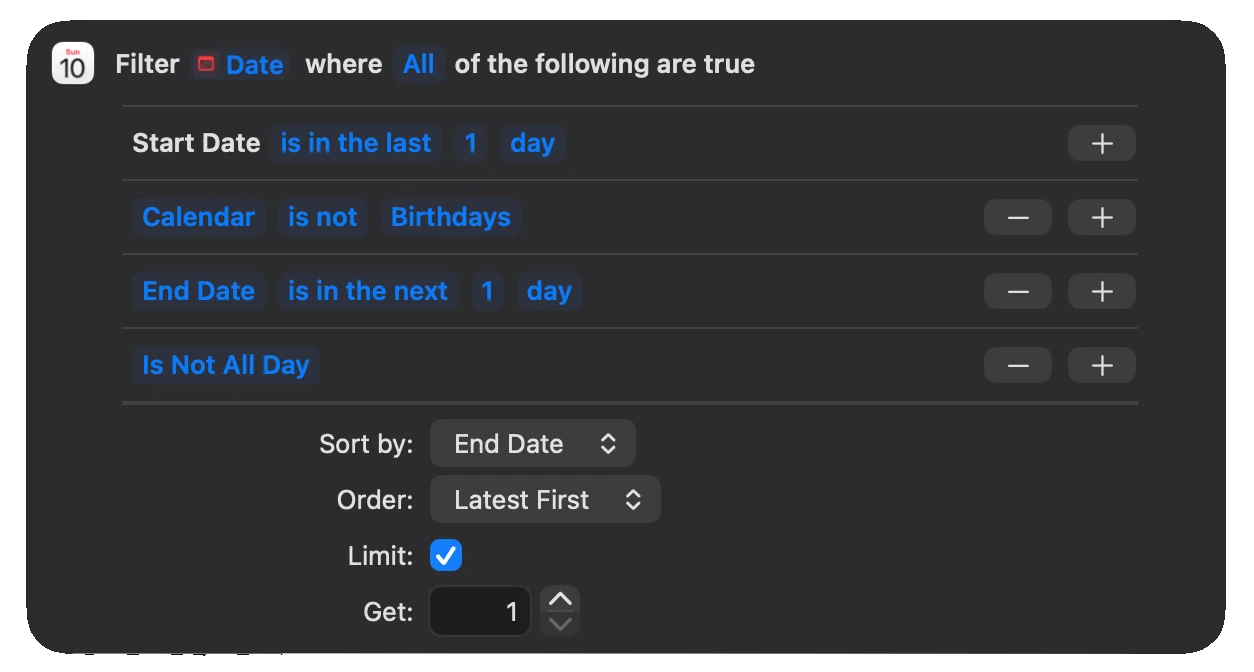
My workaround for this was sending a message from Apple Watch to iPhone, then using the message received automation on the iPhone to launch the right shortcut locally.
It worked almost fine, but delays of 5-10 seconds still happened, and one beatiful day all this stopped working becuase of an update. The message won't be received on the iPhone anymore, it is showed as sent, so the shortcut won't start.
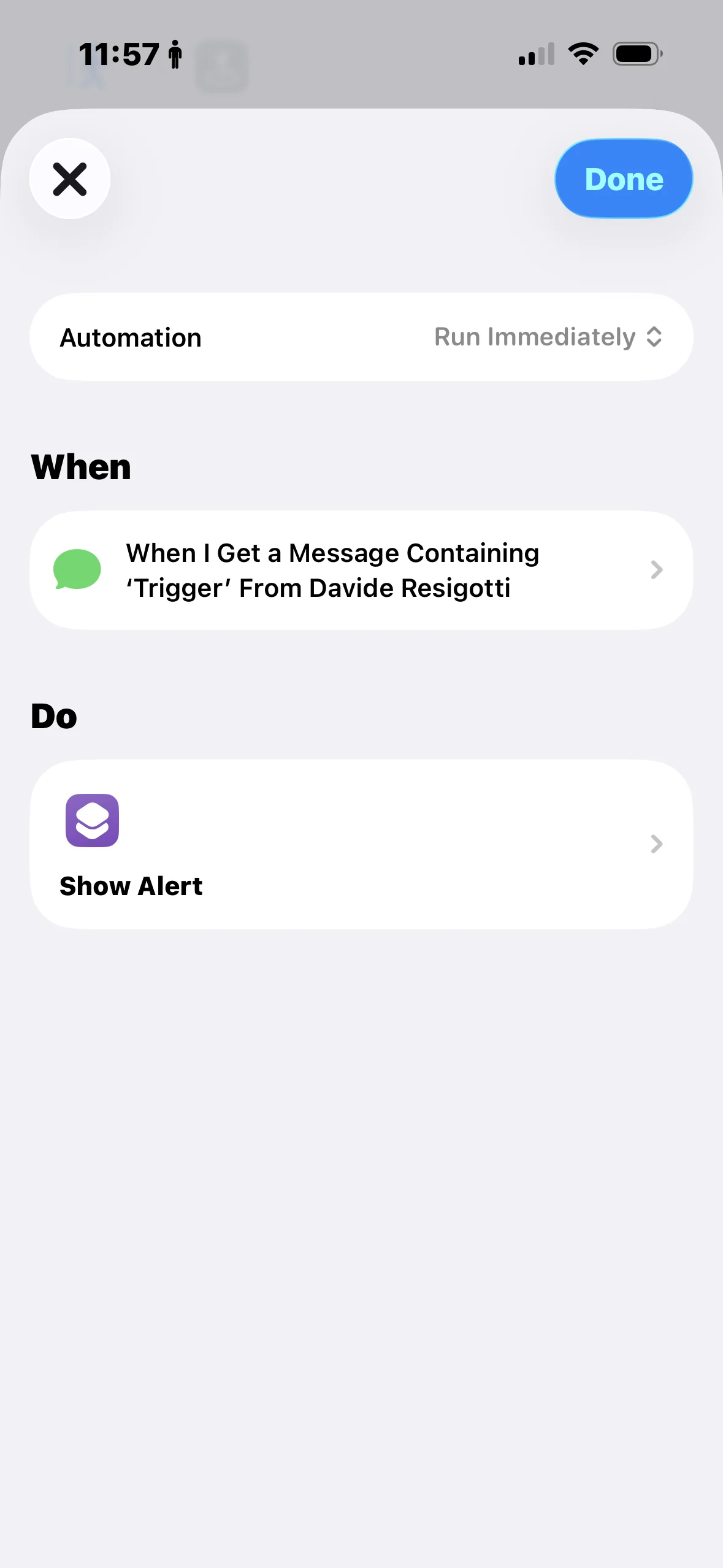
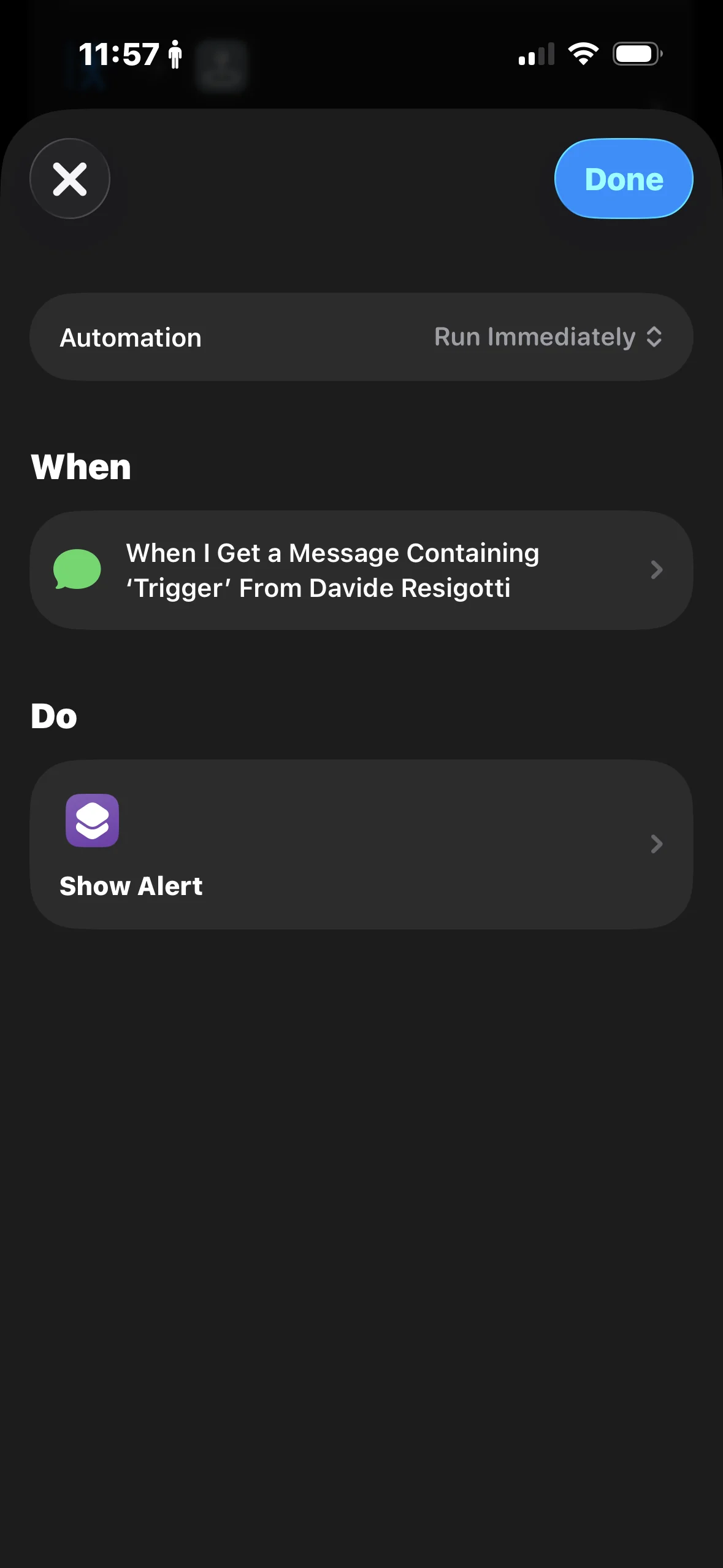
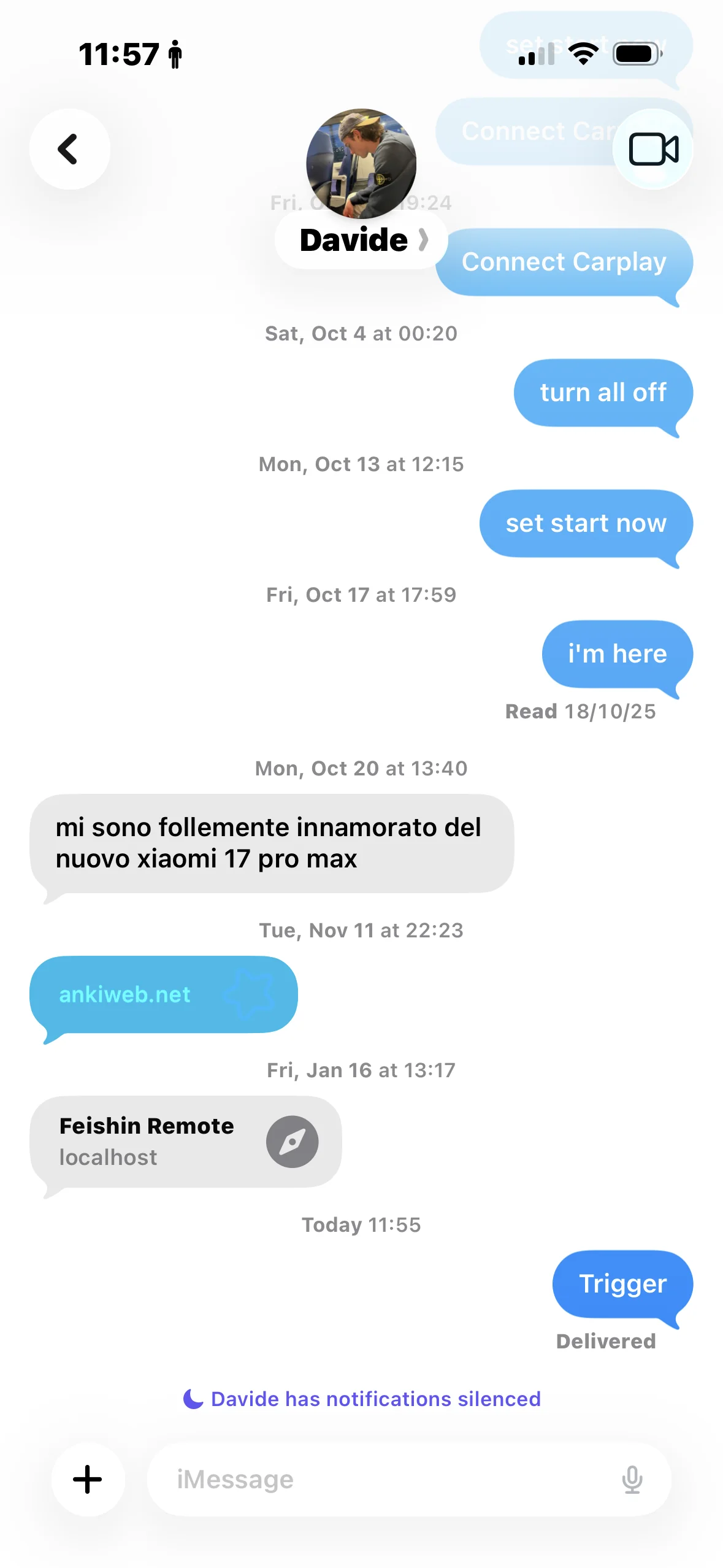
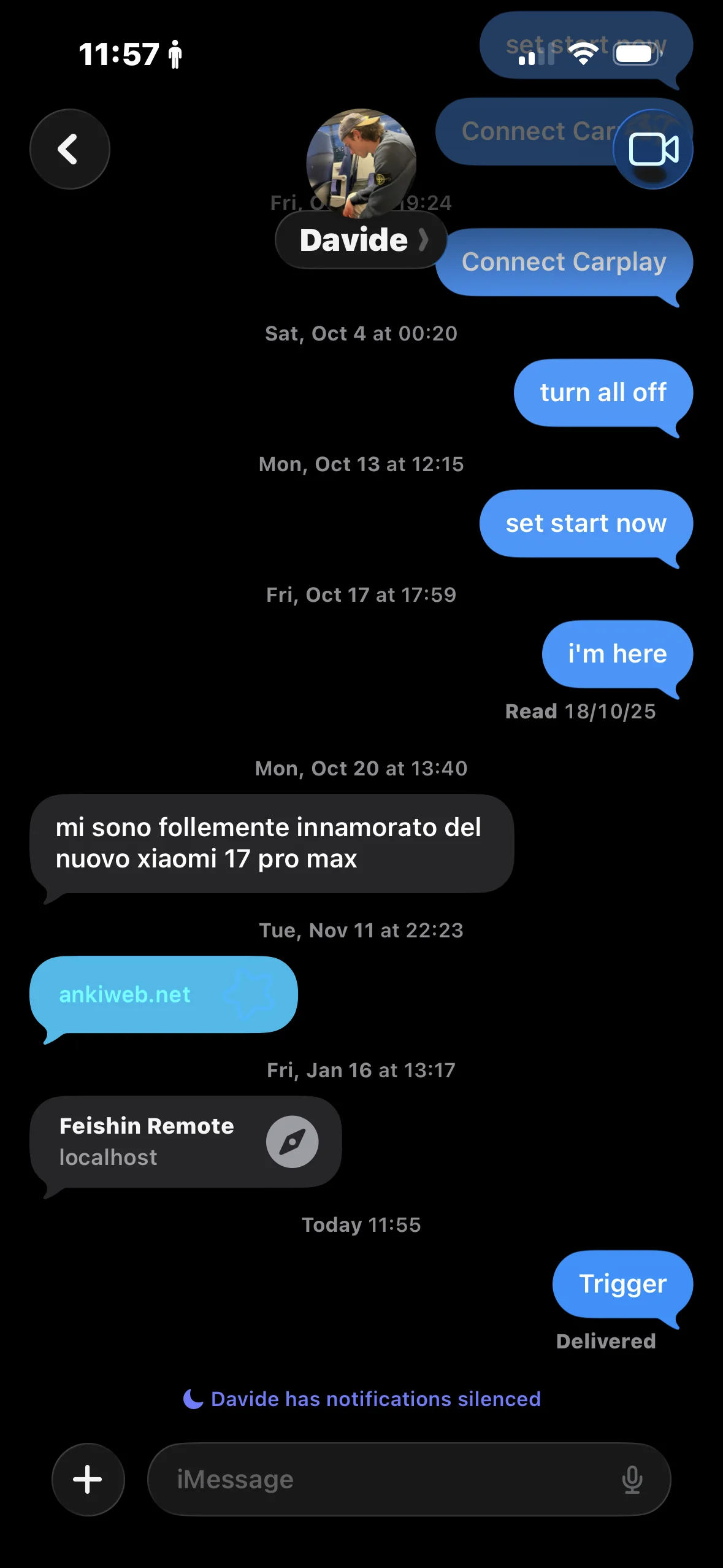
Now the only solution i have to trigger shortuct locally from AW to the iPhone is to use the same logic with Focus, but it isn't scalable. (I can't have dozens of focus just for this, and it's even less efficient)
Can't forget AI (it's 2026)
I'm a big fan of AI since the early days, of course once Apple introduced the possibility to integrate it in shortcuts, I started trying to use it.
I have a iPhone 14 Pro and so no Apple Intelligence integration, this has always been a problem for me since i have to rely on thirdy apps integration (Gemini, ChatGPT, ...) to use AI in shortcuts, but it never works.
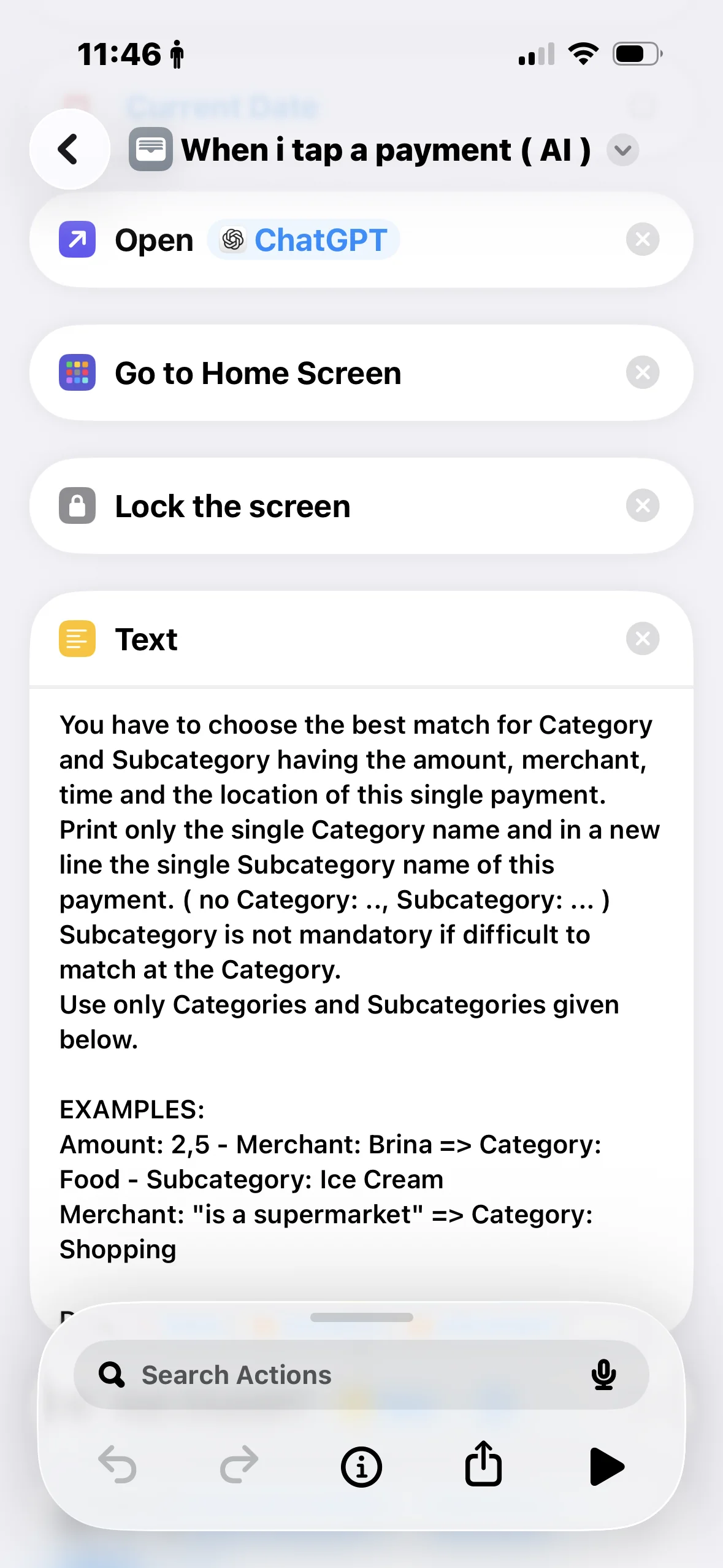
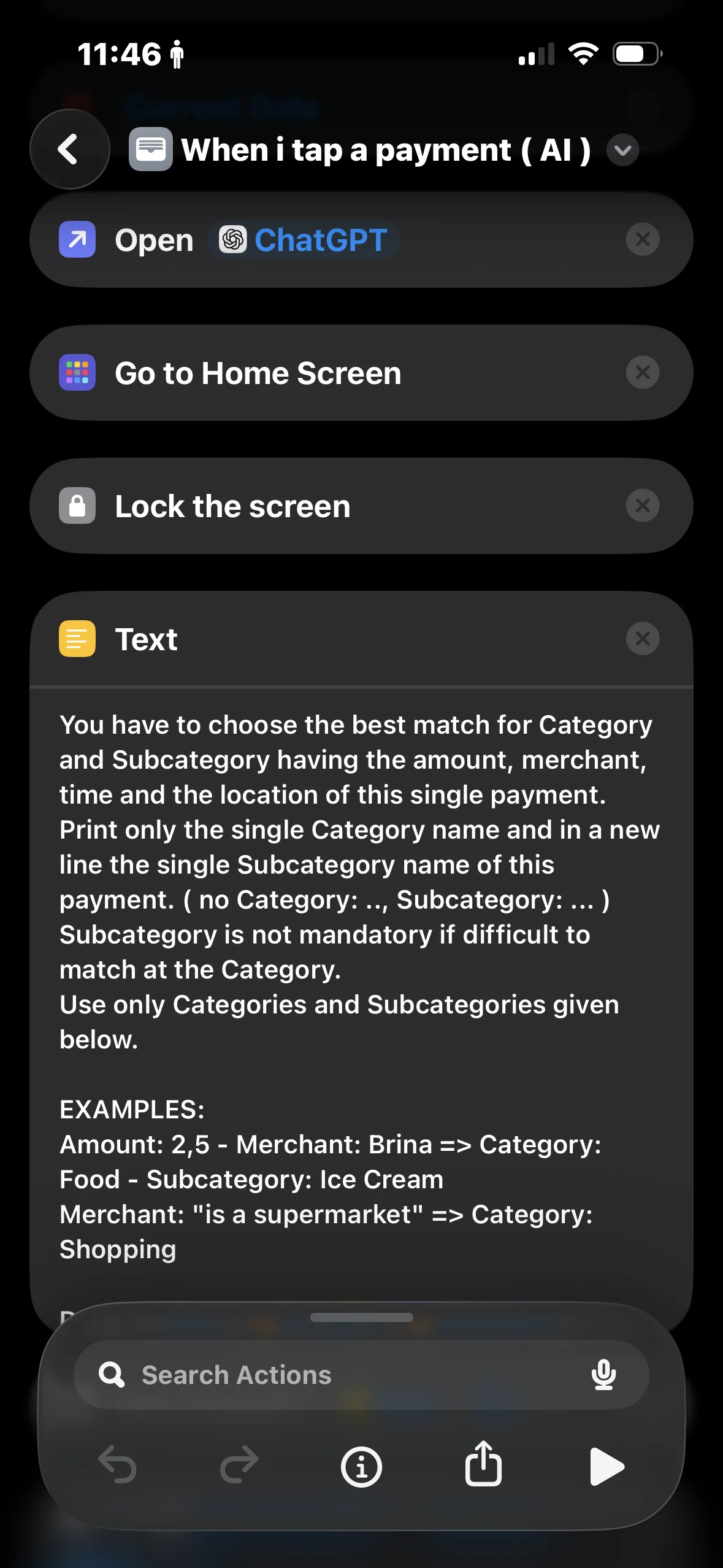
For example i have an automation that when i tap a payment it automatically add the expense as a new row in my excel spreadsheet I use for my finance managementWell my idea was to use AI to automatically categorize the expense, but it never worked, since it always give me errors, for example when the AI app wasn't opened in a while. I've of course tried workarounds but again, since the problem is random, sometimes it works and sometimes it doesn't, and you can't do anything about it.